Multi-Project Mode: Manage All Your Repos from One CCManager Interface
Use --multi-project mode to manage AI Agents across repos — configure the environment variable, browse the project list, and switch between multiple repos.
10 posts

Use --multi-project mode to manage AI Agents across repos — configure the environment variable, browse the project list, and switch between multiple repos.

Configure CCManager Status Hooks so Agent state changes automatically push desktop notifications or fire Slack webhooks — stop watching the terminal.

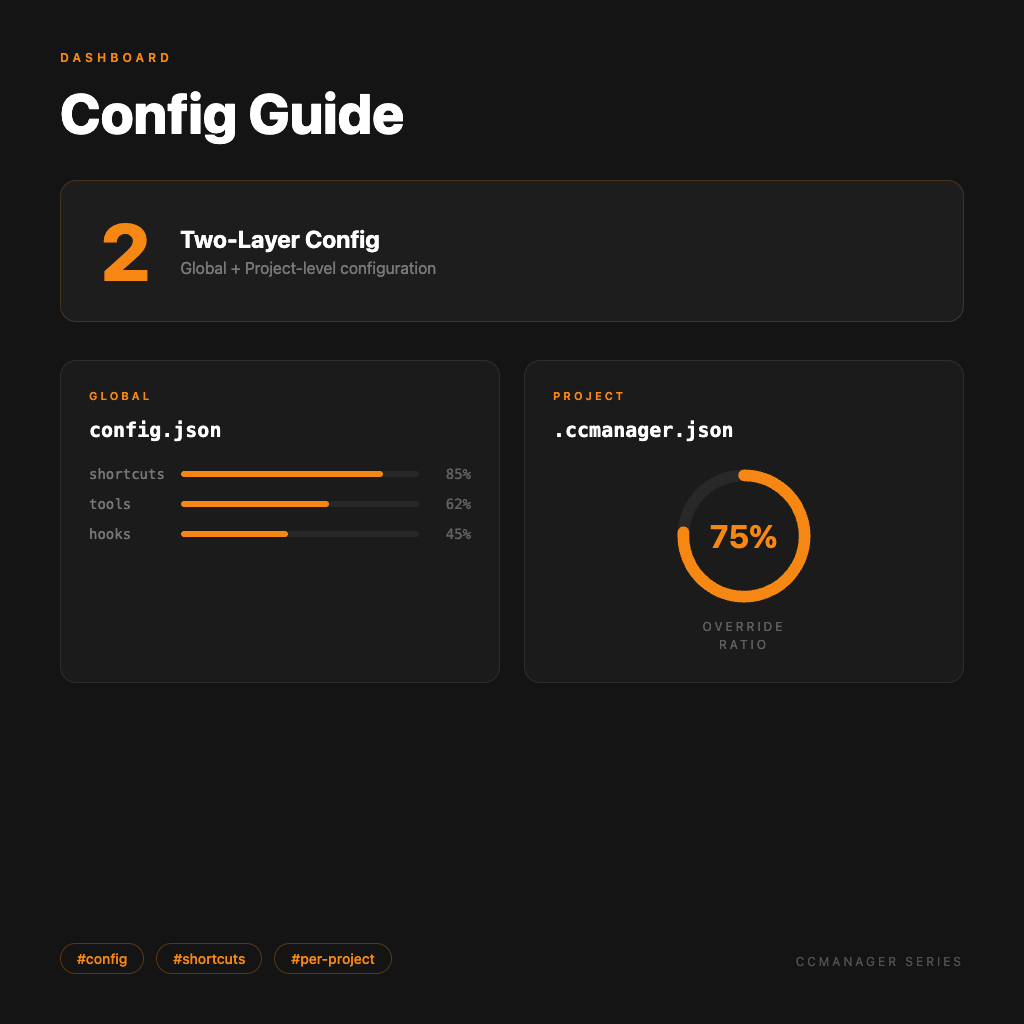
Everything you can configure in the global config.json and per-project .ccmanager.json — tune CCManager to fit your workflow exactly.

CCManager supports 8 AI coding tools, each with its own status detection logic — this article explains how to switch tools and what configuration differences to expect.

Build Worktrees from the CCManager interface, assign AI Agents, copy session data, and merge back to main — a full walkthrough of the core multi-Agent workflow.

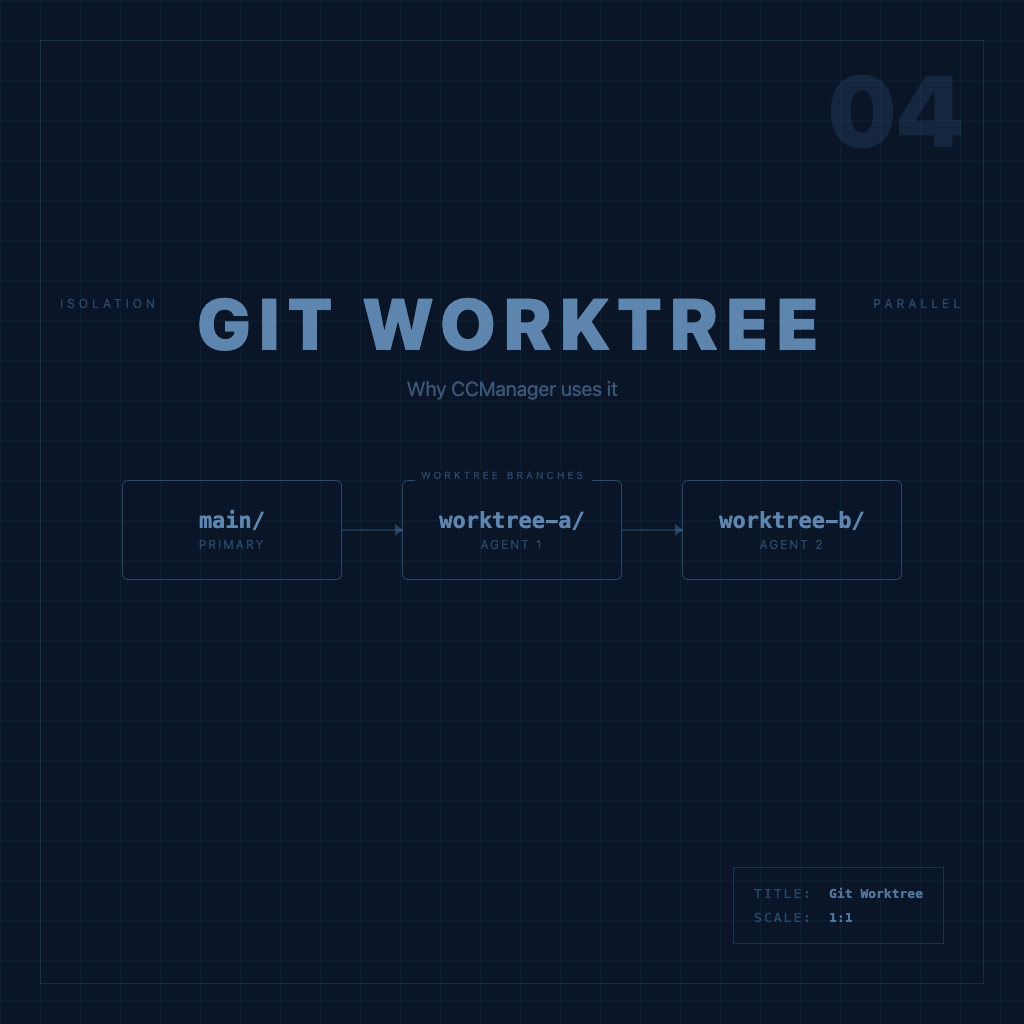
Understanding Git Worktrees is the key to understanding how CCManager works — this article builds the core concept clearly, no fluff, with examples.

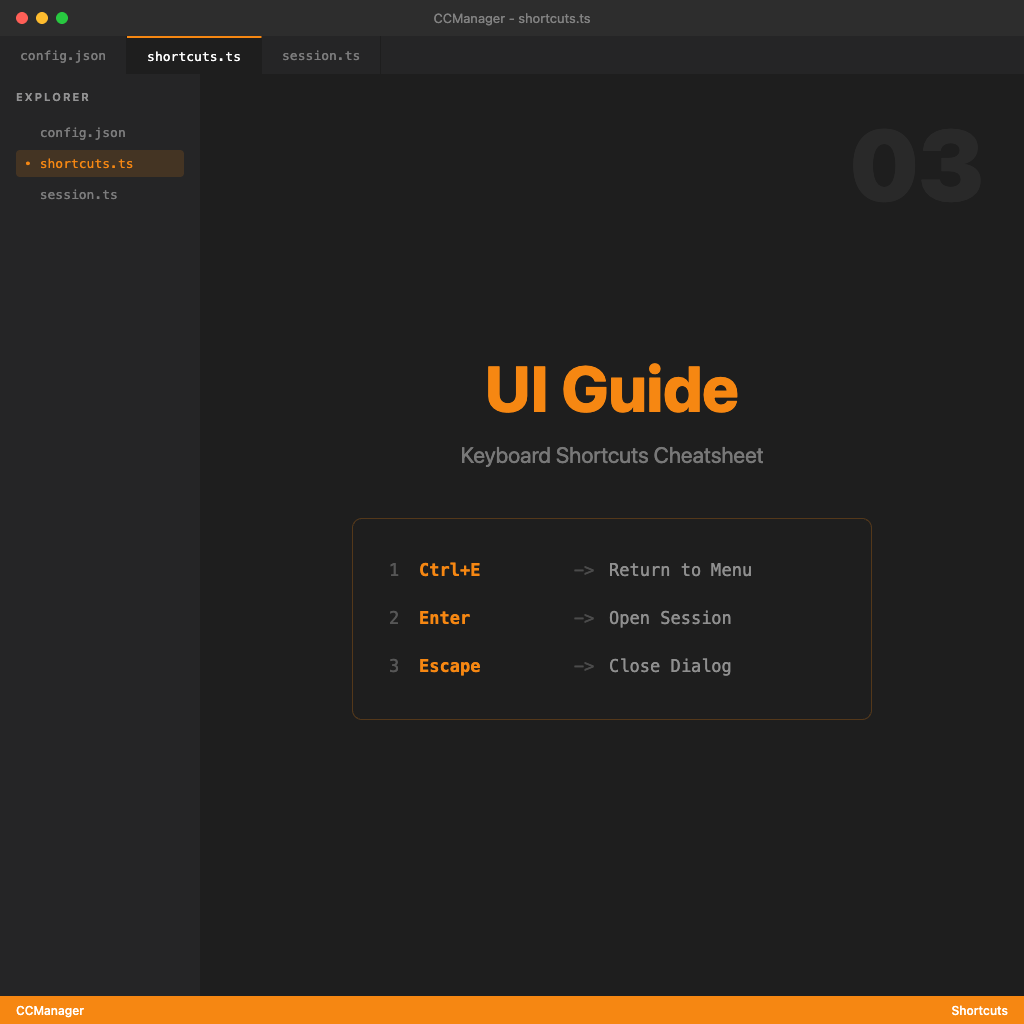
CCManager TUI interaction logic, default keyboard shortcuts, and how to customize them — understand the interface so switching sessions actually feels smooth.

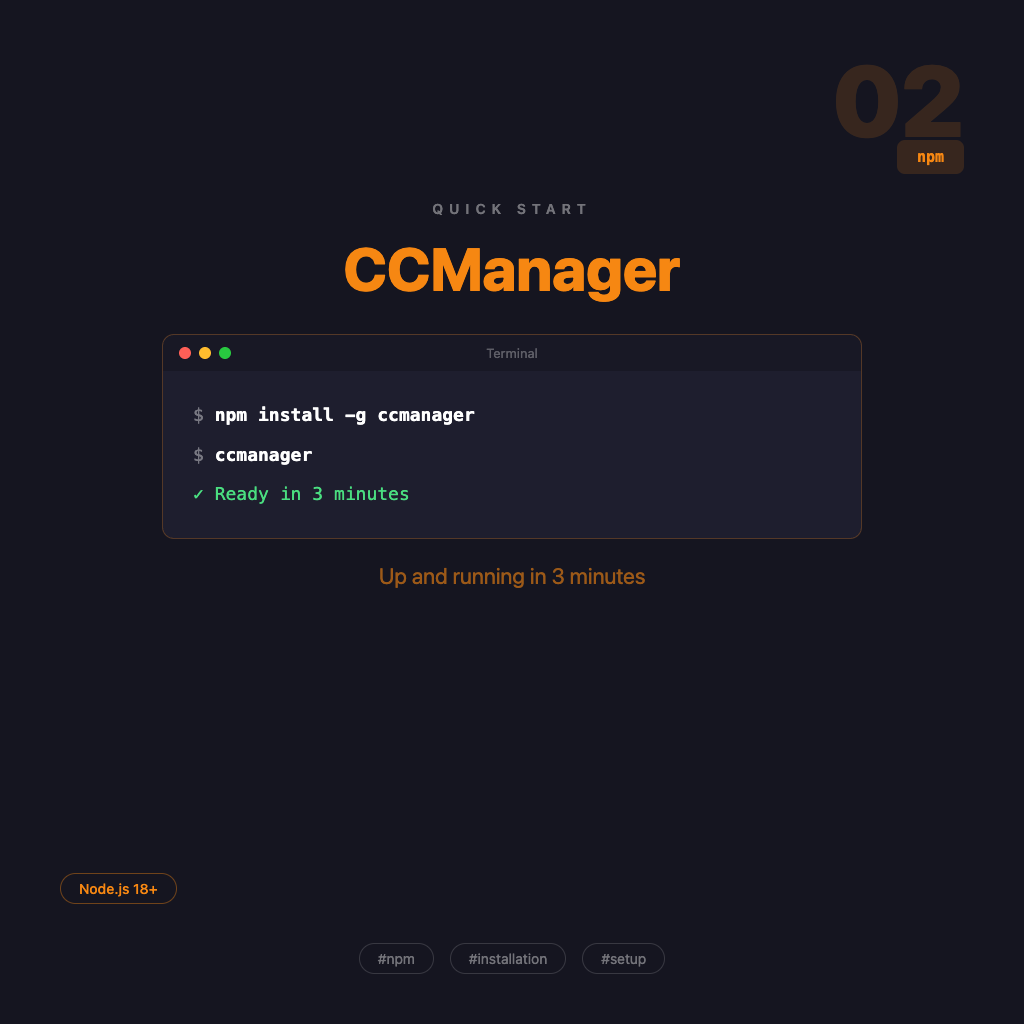
The complete CCManager installation flow — global npm install or zero-install npx, verify it works, start your first session. No fluff, just follow along.

A complete look at CCManager's positioning — what pain points it addresses, how it differs from Claude Squad, and when you actually need it.

An overview of the CCManager series — understand what problem this tool solves, who needs it, and the recommended reading order for all 10 articles.