Multi-Project Mode: Manage All Your Repos from One CCManager Interface
Use --multi-project mode to manage AI Agents across repos — configure the environment variable, browse the project list, and switch between multiple repos.
17 posts

Use --multi-project mode to manage AI Agents across repos — configure the environment variable, browse the project list, and switch between multiple repos.

Configure CCManager Status Hooks so Agent state changes automatically push desktop notifications or fire Slack webhooks — stop watching the terminal.

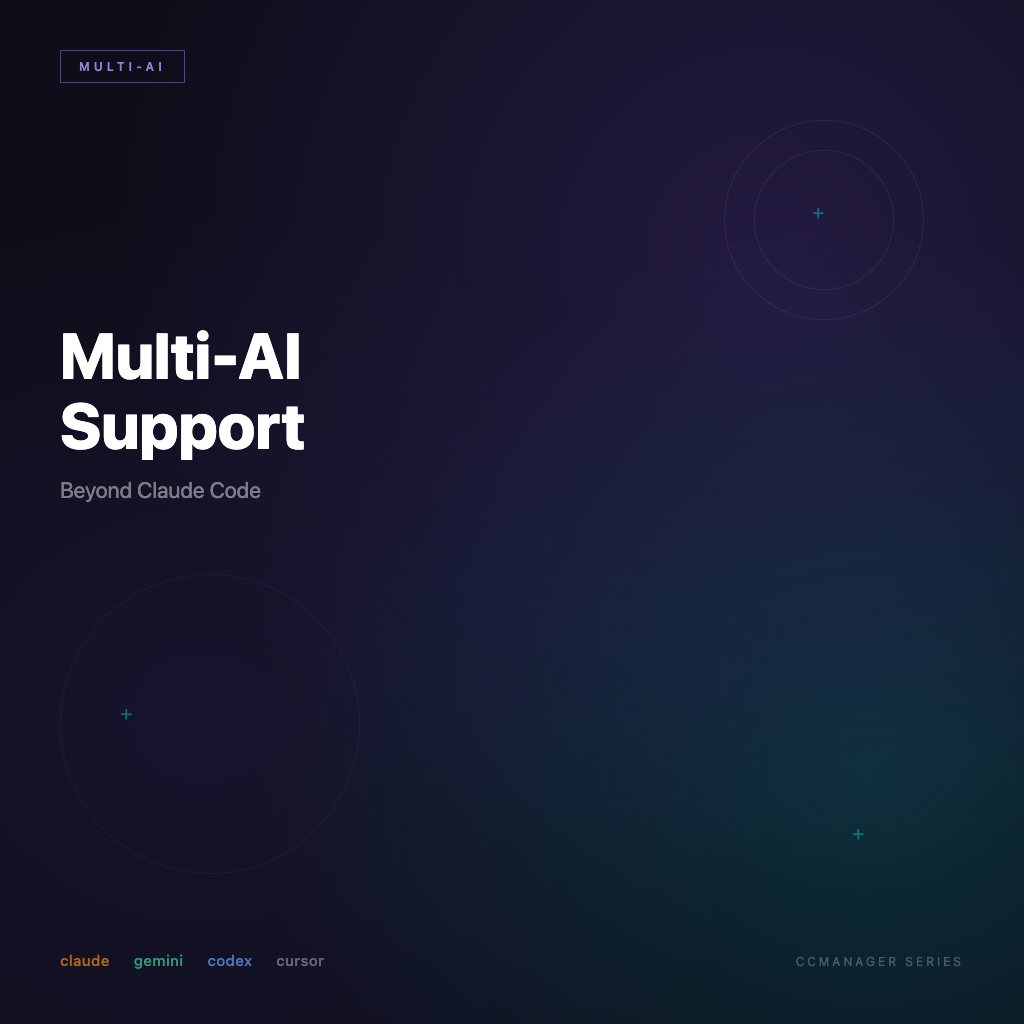
CCManager supports 8 AI coding tools, each with its own status detection logic — this article explains how to switch tools and what configuration differences to expect.

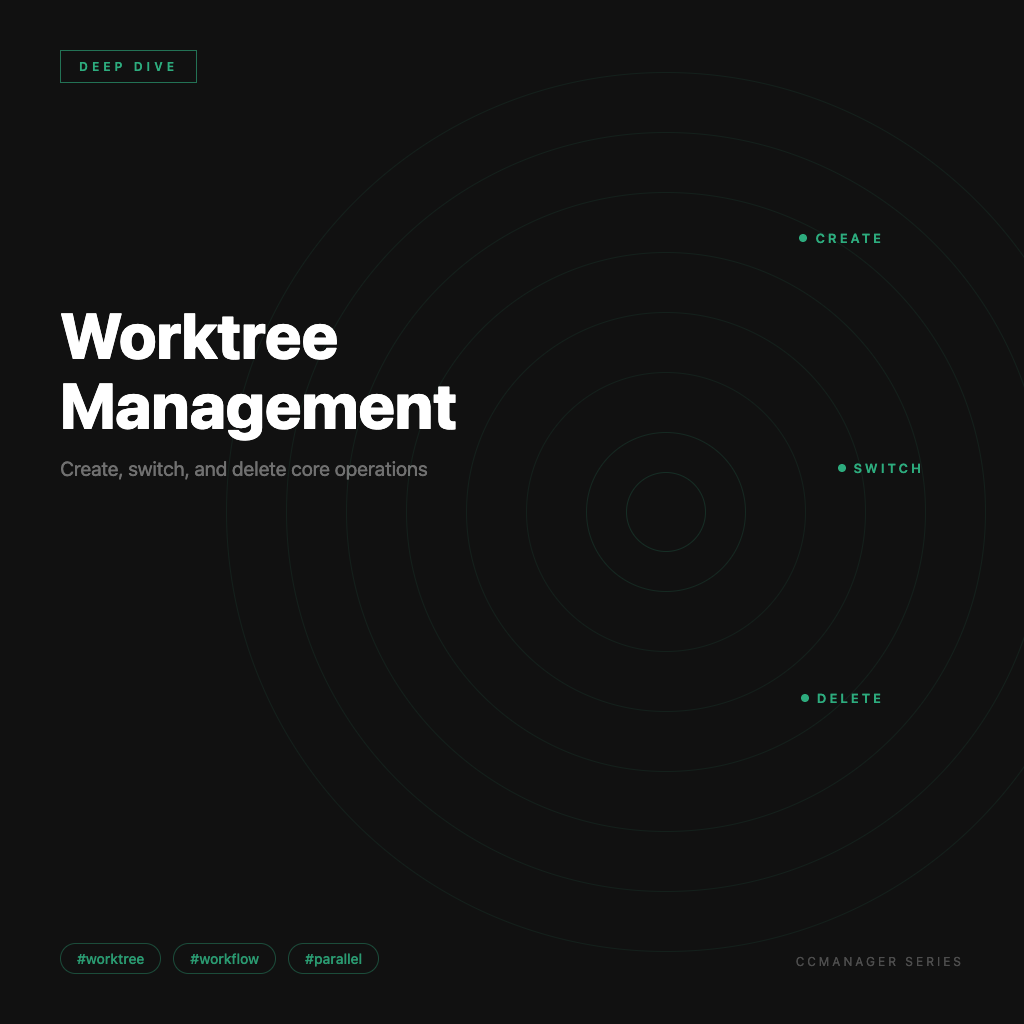
Build Worktrees from the CCManager interface, assign AI Agents, copy session data, and merge back to main — a full walkthrough of the core multi-Agent workflow.

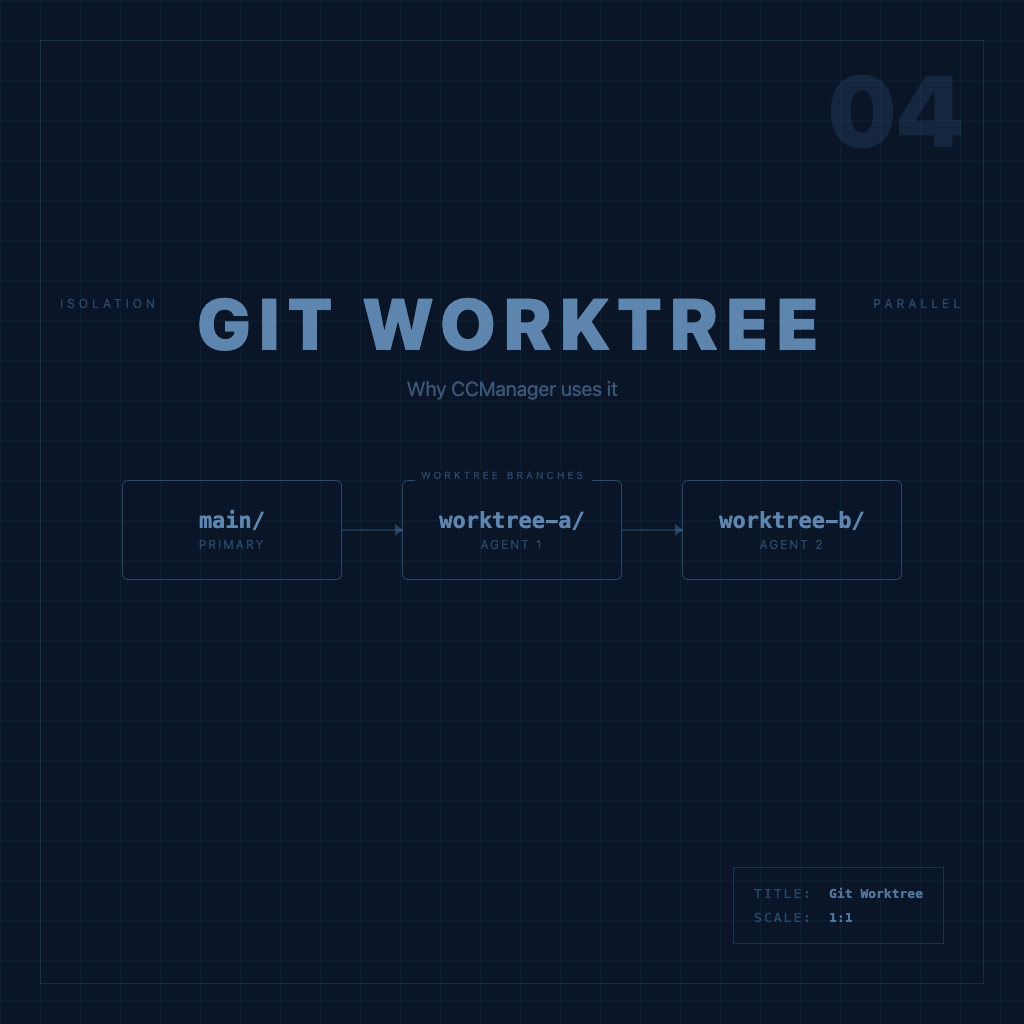
Understanding Git Worktrees is the key to understanding how CCManager works — this article builds the core concept clearly, no fluff, with examples.

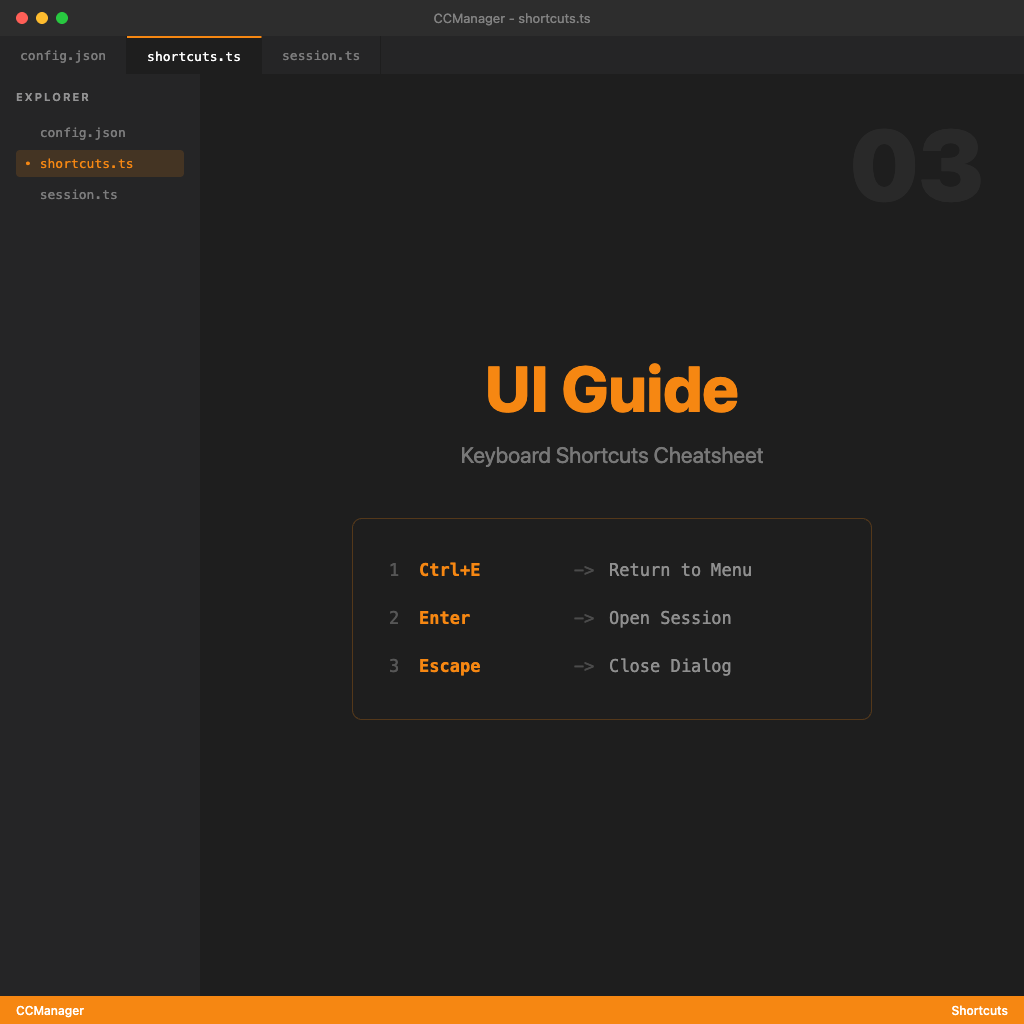
CCManager TUI interaction logic, default keyboard shortcuts, and how to customize them — understand the interface so switching sessions actually feels smooth.

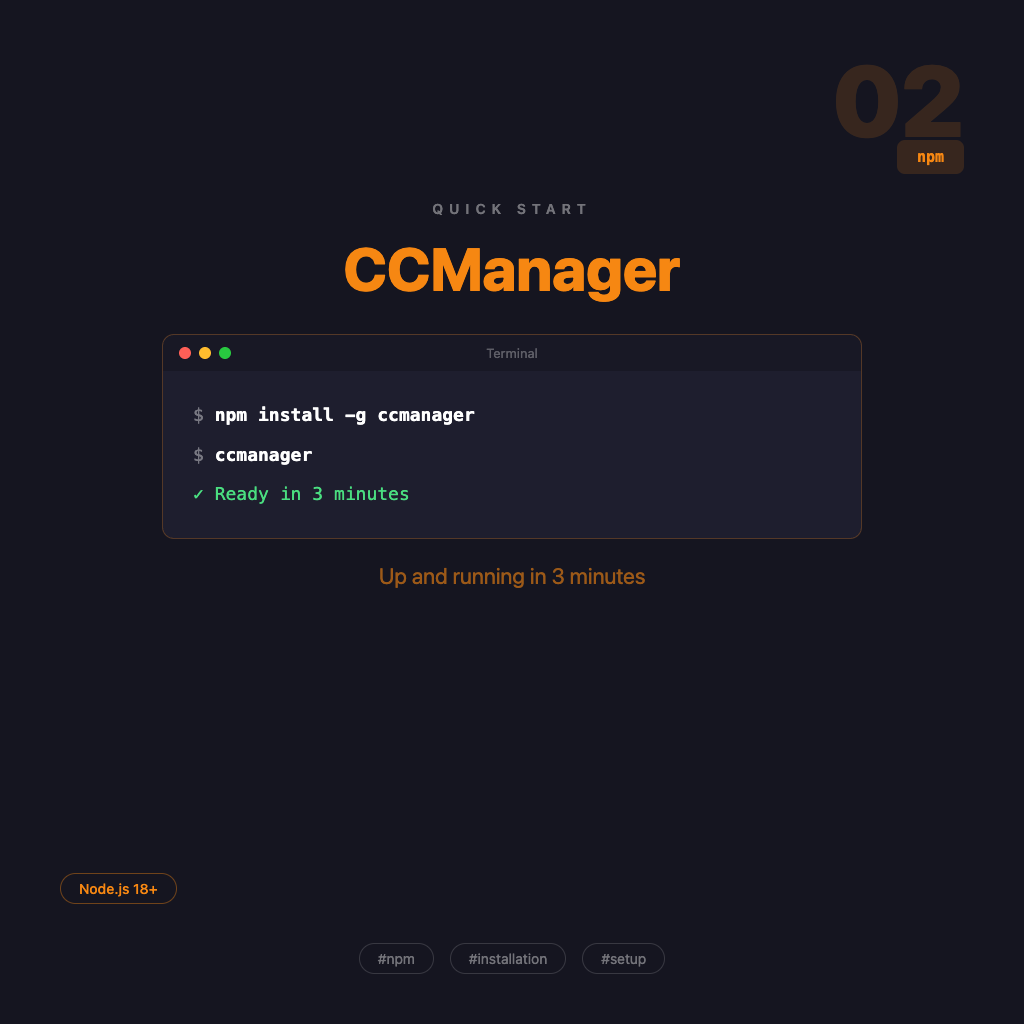
The complete CCManager installation flow — global npm install or zero-install npx, verify it works, start your first session. No fluff, just follow along.

A complete look at CCManager's positioning — what pain points it addresses, how it differs from Claude Squad, and when you actually need it.

An overview of the CCManager series — understand what problem this tool solves, who needs it, and the recommended reading order for all 10 articles.

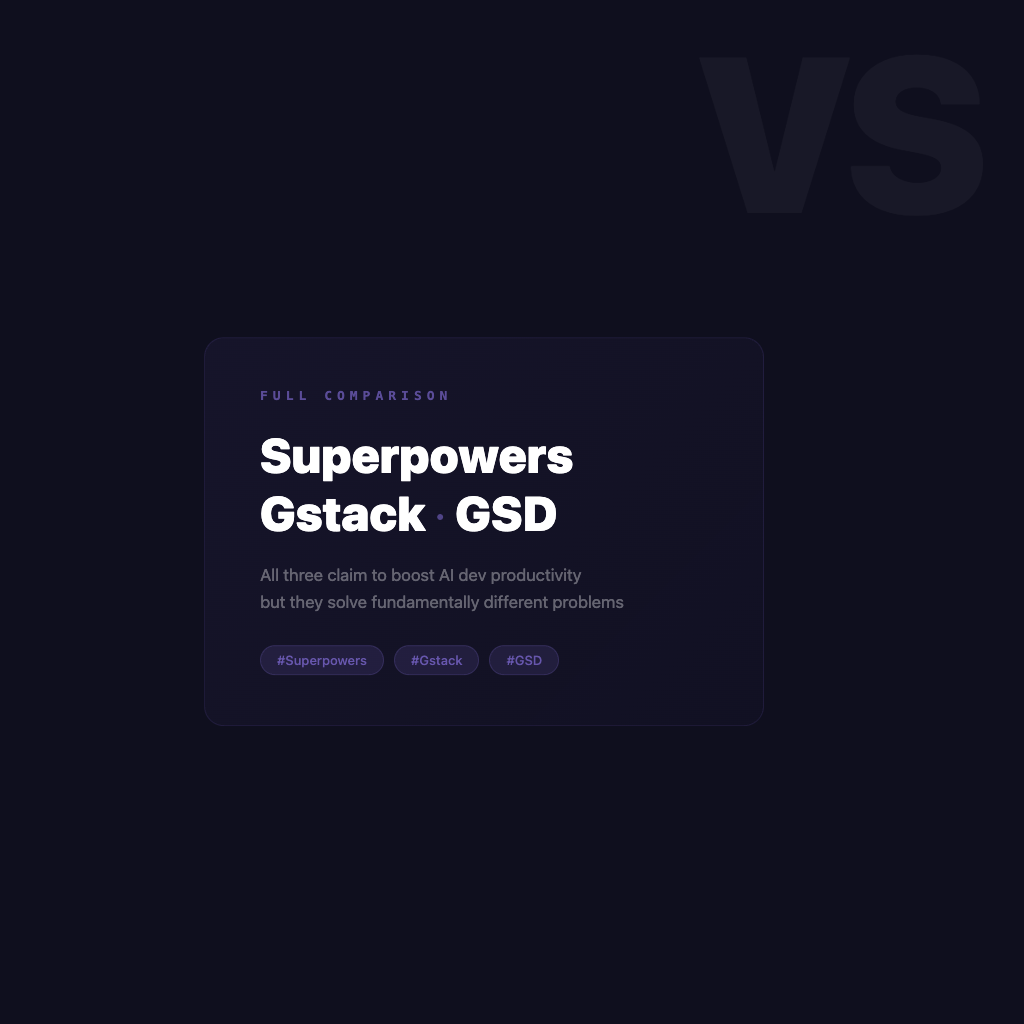
All three claim to make AI-assisted development more productive—but they're solving fundamentally different problems. This post maps out their core purposes, ideal use cases, and how to combine them effectively.

A series overview for developers new to CMUX — quickly understand what problem it solves, how to learn it, and the recommended reading order.

CMUX is a lightweight native macOS terminal built on Ghostty, designed specifically for managing multiple AI agents. This article explains what problem it solves, how it differs from tmux, and who it's for.

Bring everything together: how to manage multiple AI agents simultaneously, automate notifications with the socket API, and design a multi-agent work environment where nobody gets in anyone else's way.

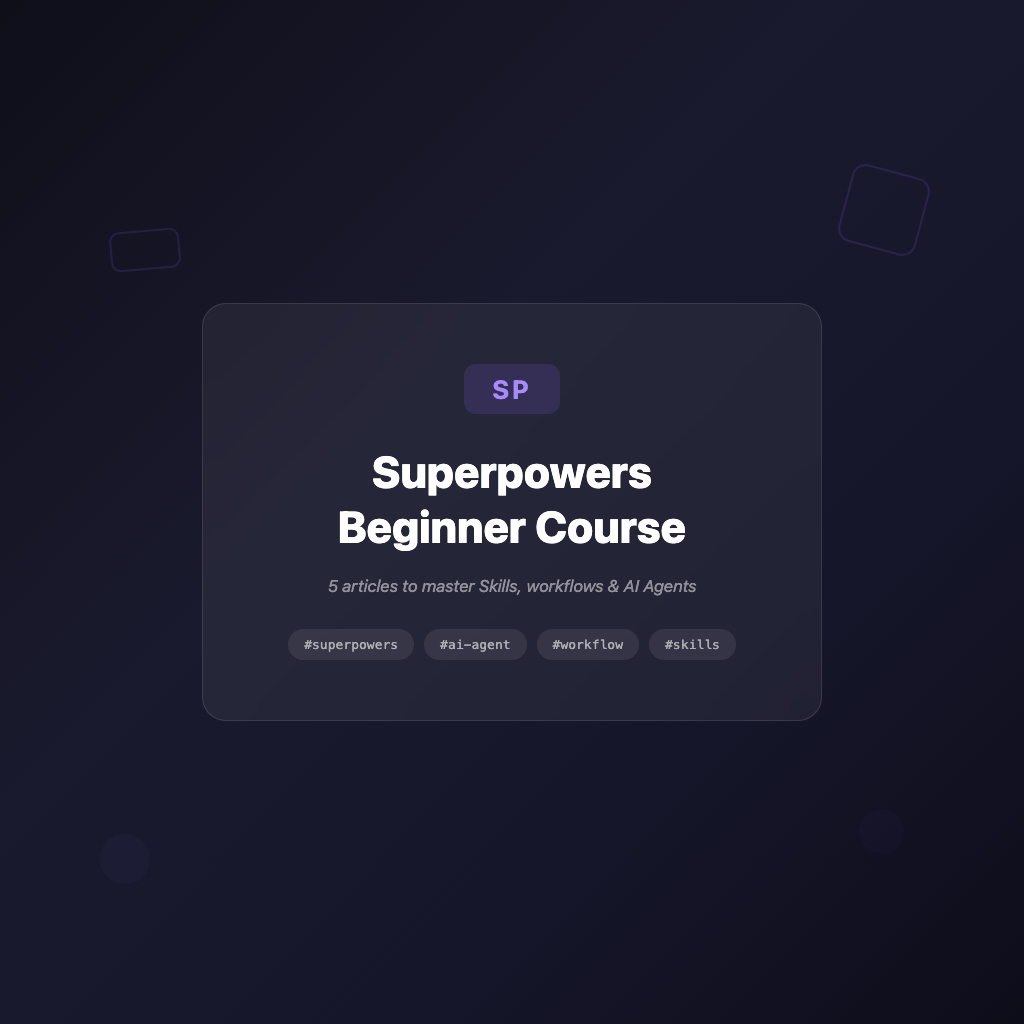
For beginners just getting started with Agent and Skills workflows — this is the Superpowers series overview that helps you quickly grasp the core rules, common skills, and recommended reading order.

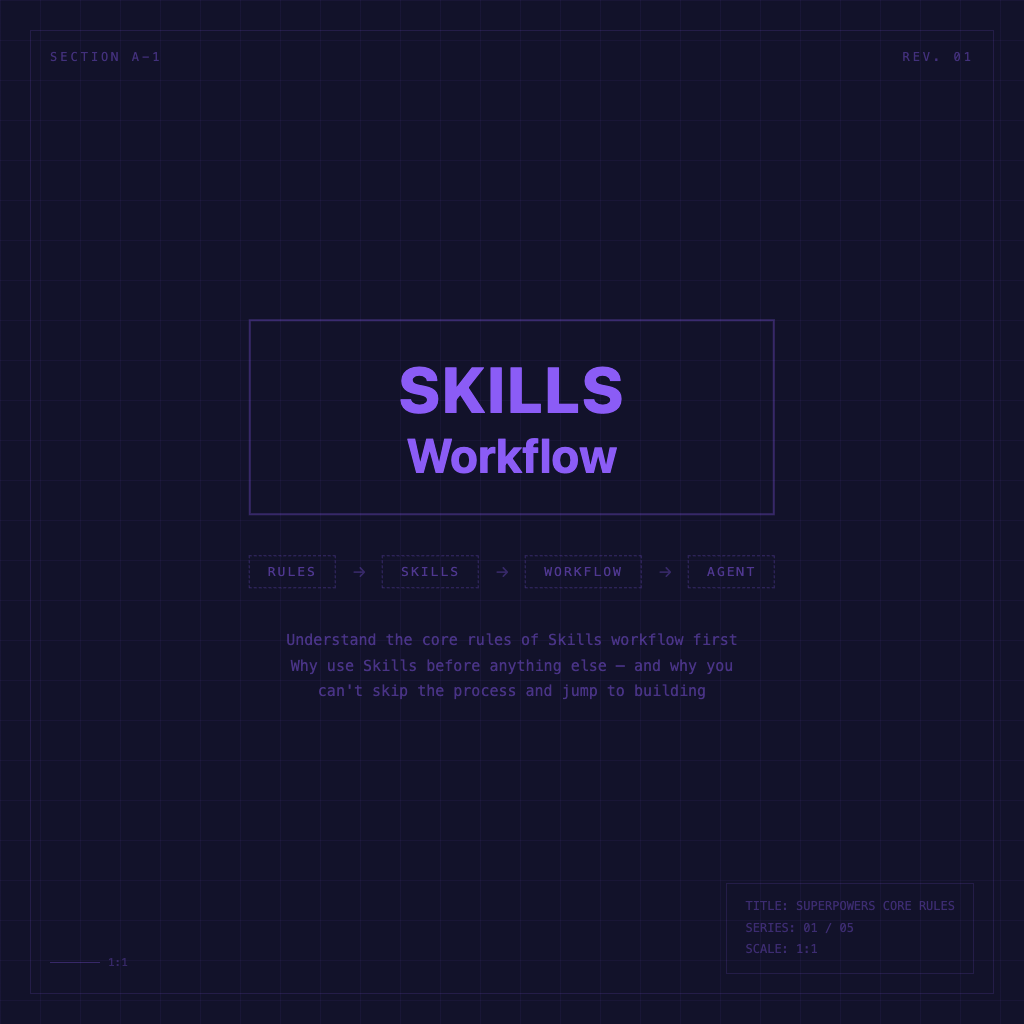
A plain-language explanation of Superpowers' role, and why you should invoke a skill before doing anything — and why you can't skip the workflow and jump straight to implementation.

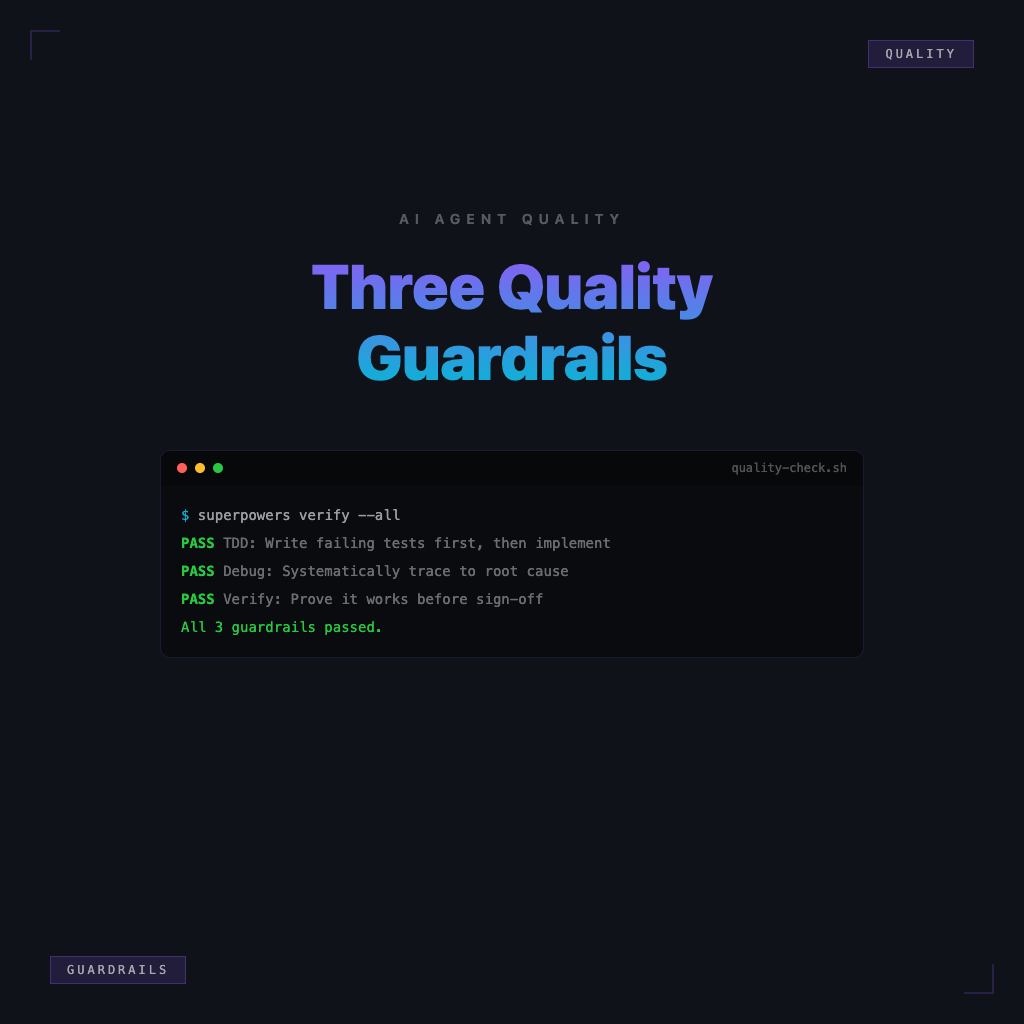
Understand the three most important quality guardrails in AI Agent development: write failing tests first, find the root cause first, verify before declaring it done.

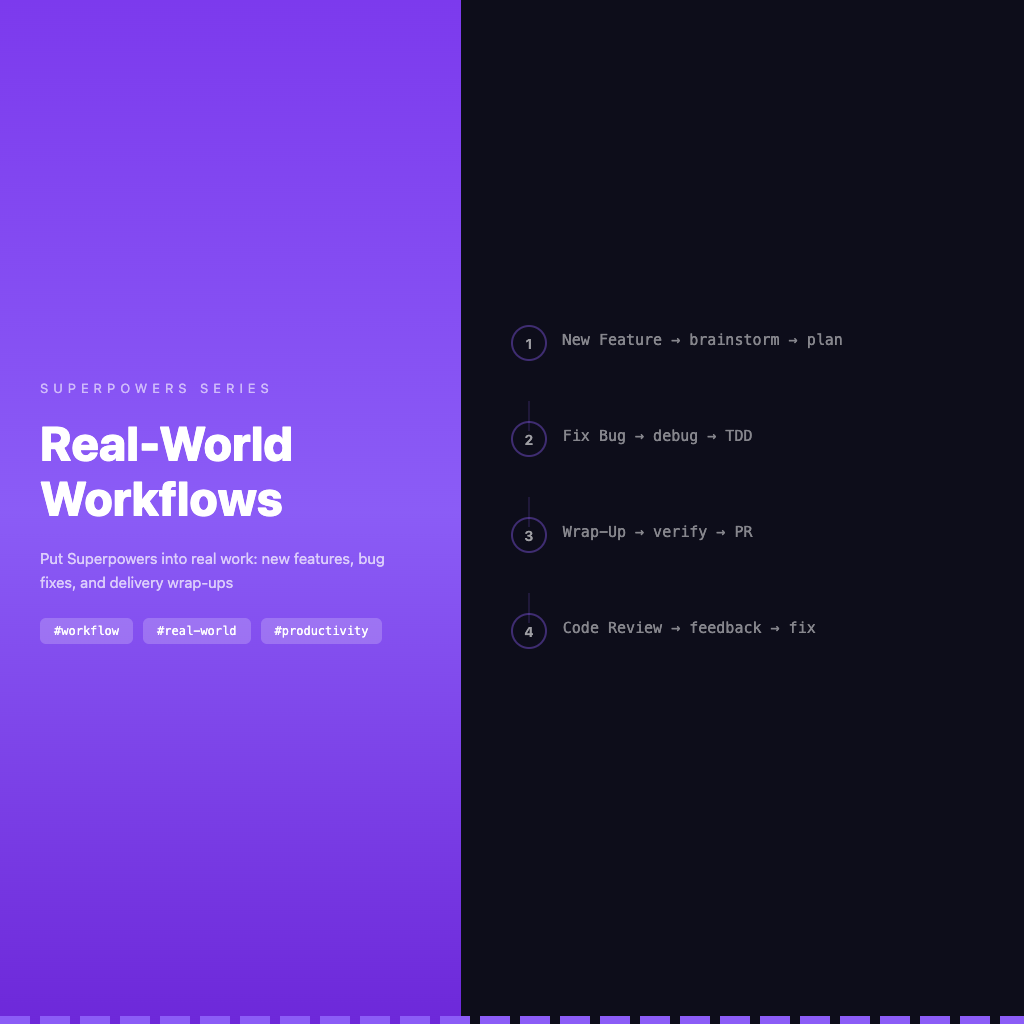
Put Superpowers back into real work scenarios — organized skill usage order for new features, bug fixes, and delivery wrap-ups.