CMUX Beginner's Guide: Manage AI Agents Without the Terminal Chaos
A series overview for developers new to CMUX — quickly understand what problem it solves, how to learn it, and the recommended reading order.
7 posts

A series overview for developers new to CMUX — quickly understand what problem it solves, how to learn it, and the recommended reading order.

CMUX is a lightweight native macOS terminal built on Ghostty, designed specifically for managing multiple AI agents. This article explains what problem it solves, how it differs from tmux, and who it's for.

Complete CMUX installation guide: choose between DMG or Homebrew, set up the CLI symlink, verify the installation, and understand the auto-update mechanism.

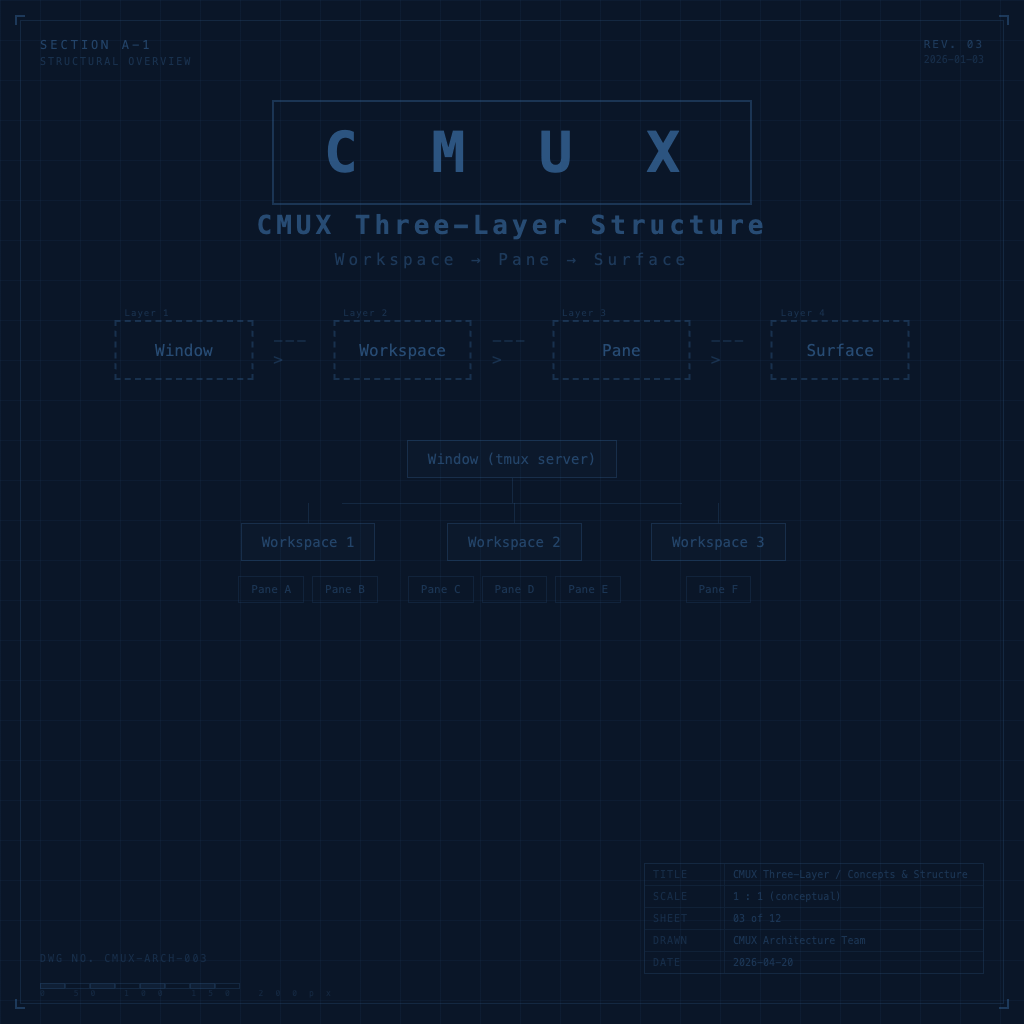
CMUX is built around three core layers: Workspace, Pane, and Surface. Understanding these three layers is what lets you allocate AI agents, switch contexts, and make sense of CMUX's visual interface.

CMUX inherits the Ghostty config format. This article breaks down appearance, behavior, split pane styling, and browser behavior — including a complete configuration example you can use directly.

Use the commands array in cmux.json to turn fixed combinations — like 'start dev server + open preview browser + keep a shell ready' — into a single command. One keystroke to get to work, no more repetitive setup.

Bring everything together: how to manage multiple AI agents simultaneously, automate notifications with the socket API, and design a multi-agent work environment where nobody gets in anyone else's way.