Multi-Project Mode: Manage All Your Repos from One CCManager Interface
Use --multi-project mode to manage AI Agents across repos — configure the environment variable, browse the project list, and switch between multiple repos.
19 posts

Use --multi-project mode to manage AI Agents across repos — configure the environment variable, browse the project list, and switch between multiple repos.

Configure CCManager Status Hooks so Agent state changes automatically push desktop notifications or fire Slack webhooks — stop watching the terminal.

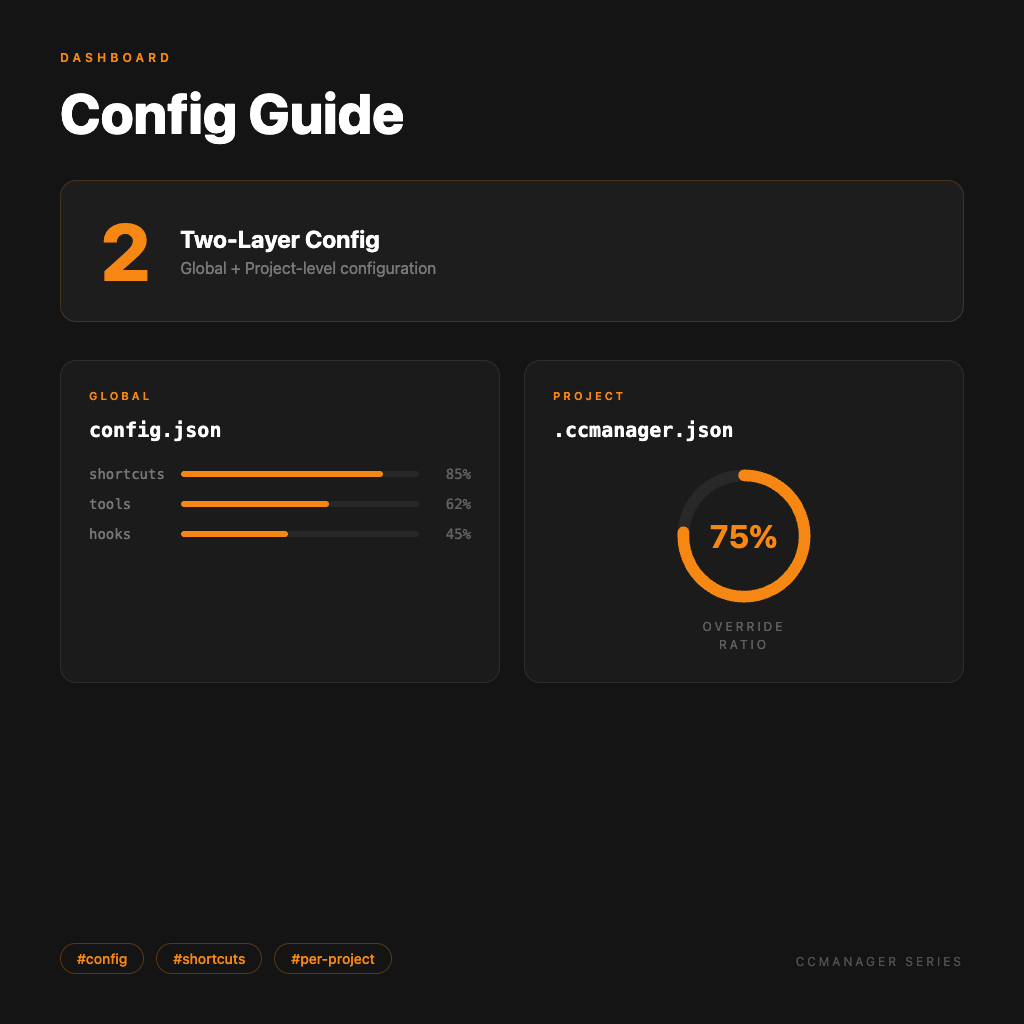
Everything you can configure in the global config.json and per-project .ccmanager.json — tune CCManager to fit your workflow exactly.

Build Worktrees from the CCManager interface, assign AI Agents, copy session data, and merge back to main — a full walkthrough of the core multi-Agent workflow.

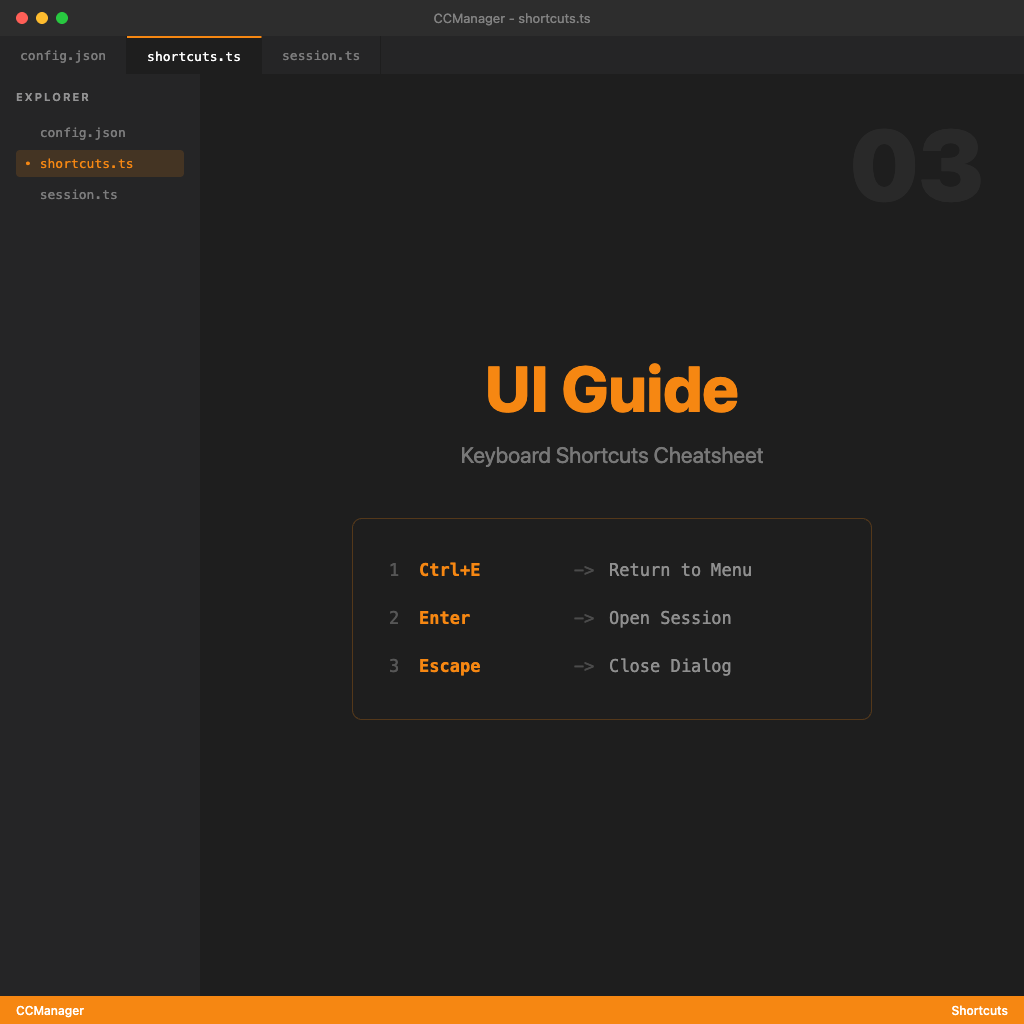
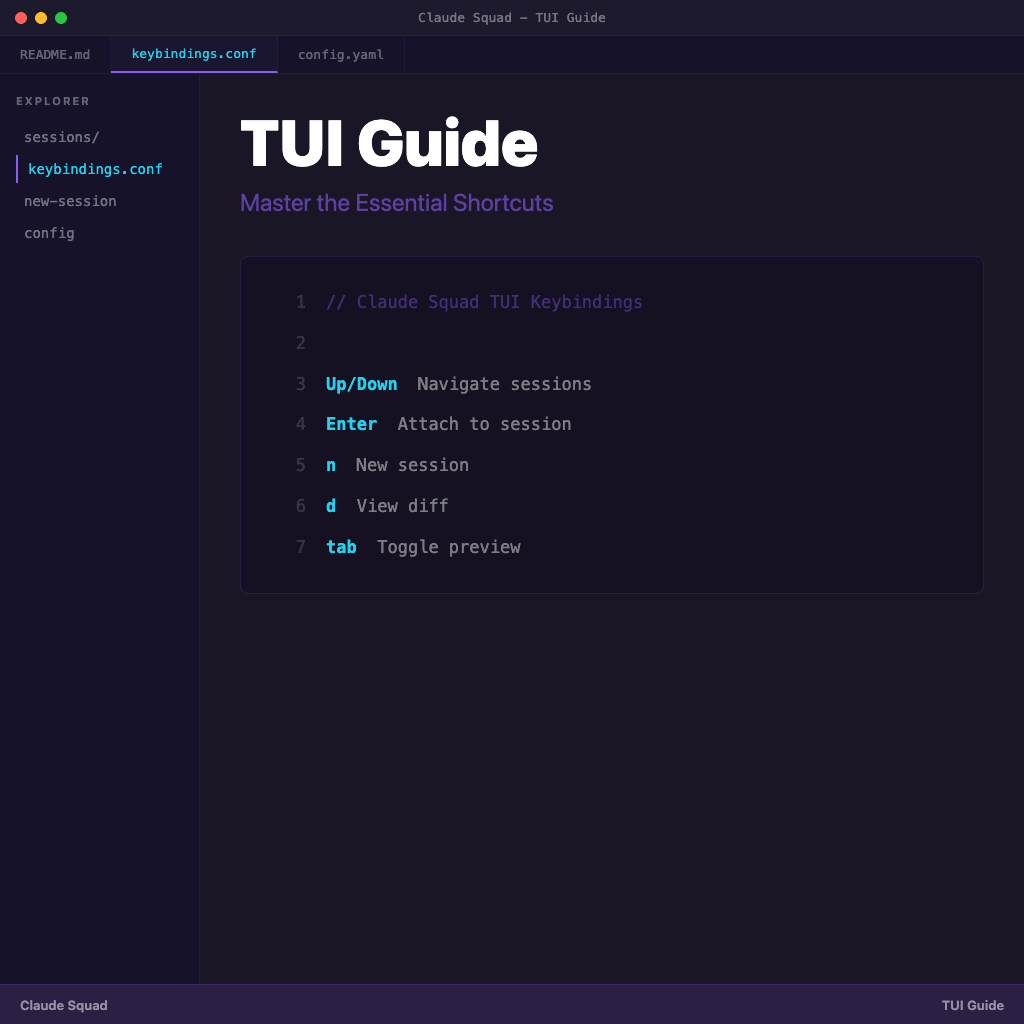
CCManager TUI interaction logic, default keyboard shortcuts, and how to customize them — understand the interface so switching sessions actually feels smooth.

A complete look at CCManager's positioning — what pain points it addresses, how it differs from Claude Squad, and when you actually need it.

An overview of the CCManager series — understand what problem this tool solves, who needs it, and the recommended reading order for all 10 articles.

From 'I have an idea' to 'implementation done, spec archived' — walk through OpenSpec's three core commands, what each one does, what you need to verify, and when to move forward.

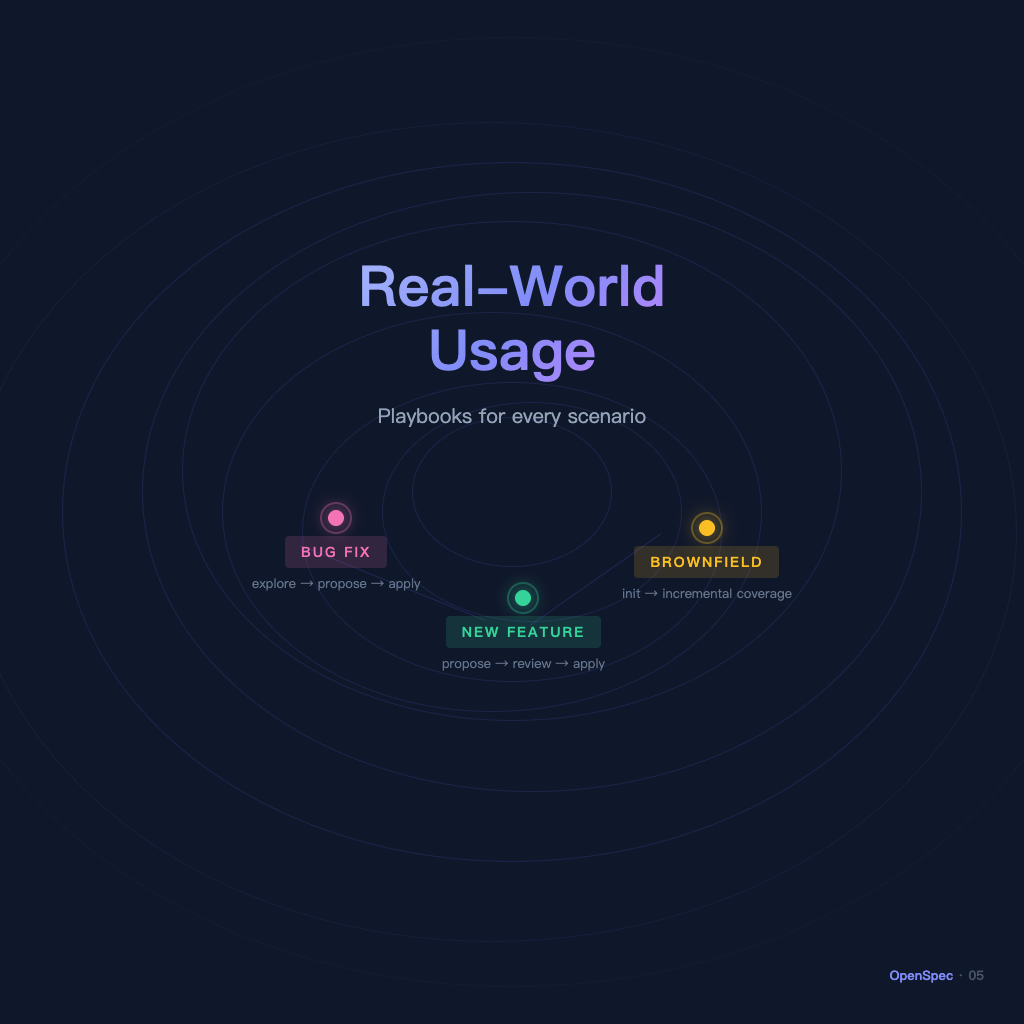
You've learned the workflow — but how do you apply it when real work starts? This article walks through the three most common scenarios: new feature development, bug fixes, and bringing OpenSpec into a legacy project.

For everyone who keeps going in circles when asking AI to write code — this is the OpenSpec series overview, taking you from 'why write specs at all' to 'running a complete workflow,' all in five articles.

You ask AI to add a feature, it works hard, but the result keeps drifting — not because the model isn't smart enough, but because nobody clearly stated what needed to be done. This article explains what problem OpenSpec solves.

A series overview for developers new to CMUX — quickly understand what problem it solves, how to learn it, and the recommended reading order.

Use the commands array in cmux.json to turn fixed combinations — like 'start dev server + open preview browser + keep a shell ready' — into a single command. One keystroke to get to work, no more repetitive setup.

Bring everything together: how to manage multiple AI agents simultaneously, automate notifications with the socket API, and design a multi-agent work environment where nobody gets in anyone else's way.

For beginners just getting started with Agent and Skills workflows — this is the Superpowers series overview that helps you quickly grasp the core rules, common skills, and recommended reading order.

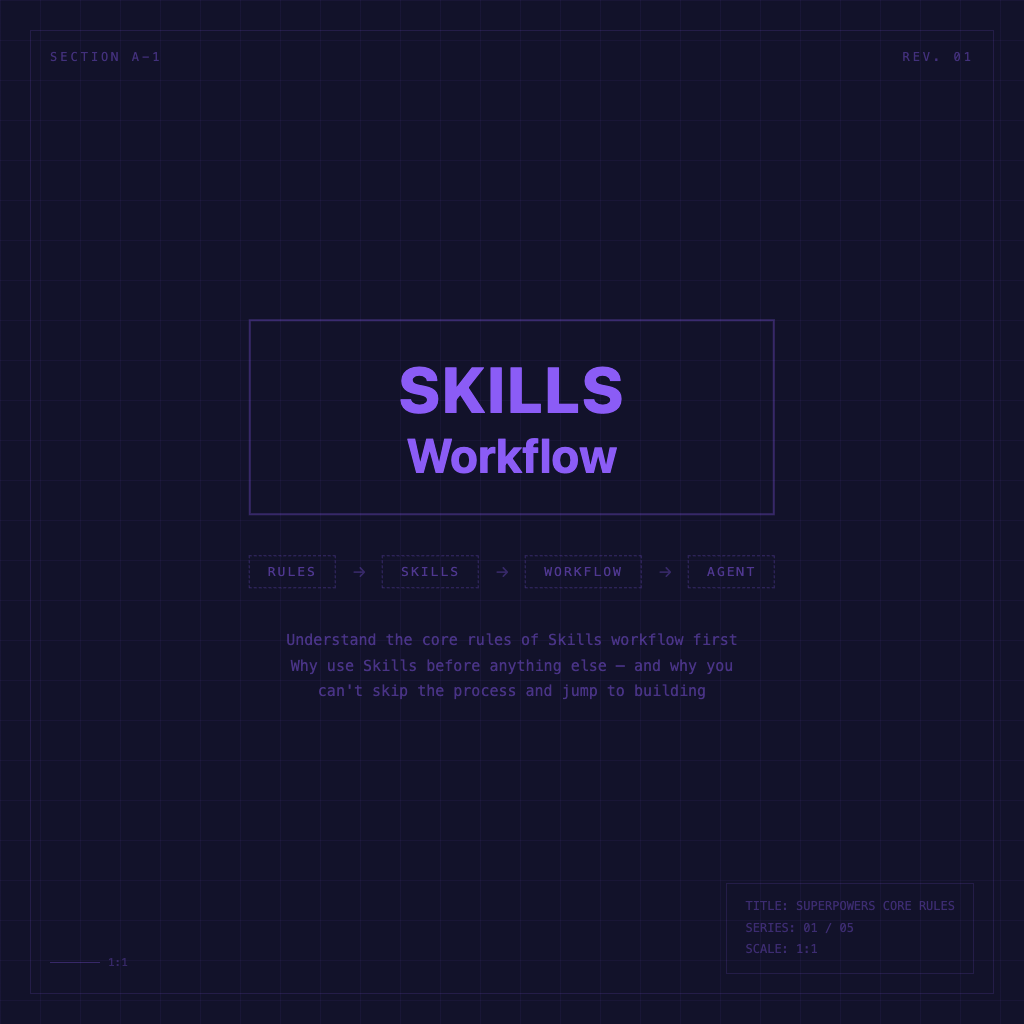
A plain-language explanation of Superpowers' role, and why you should invoke a skill before doing anything — and why you can't skip the workflow and jump straight to implementation.

Understand the roles of using-superpowers and brainstorming — learn to explore context, clarify requirements, and propose options before entering implementation.

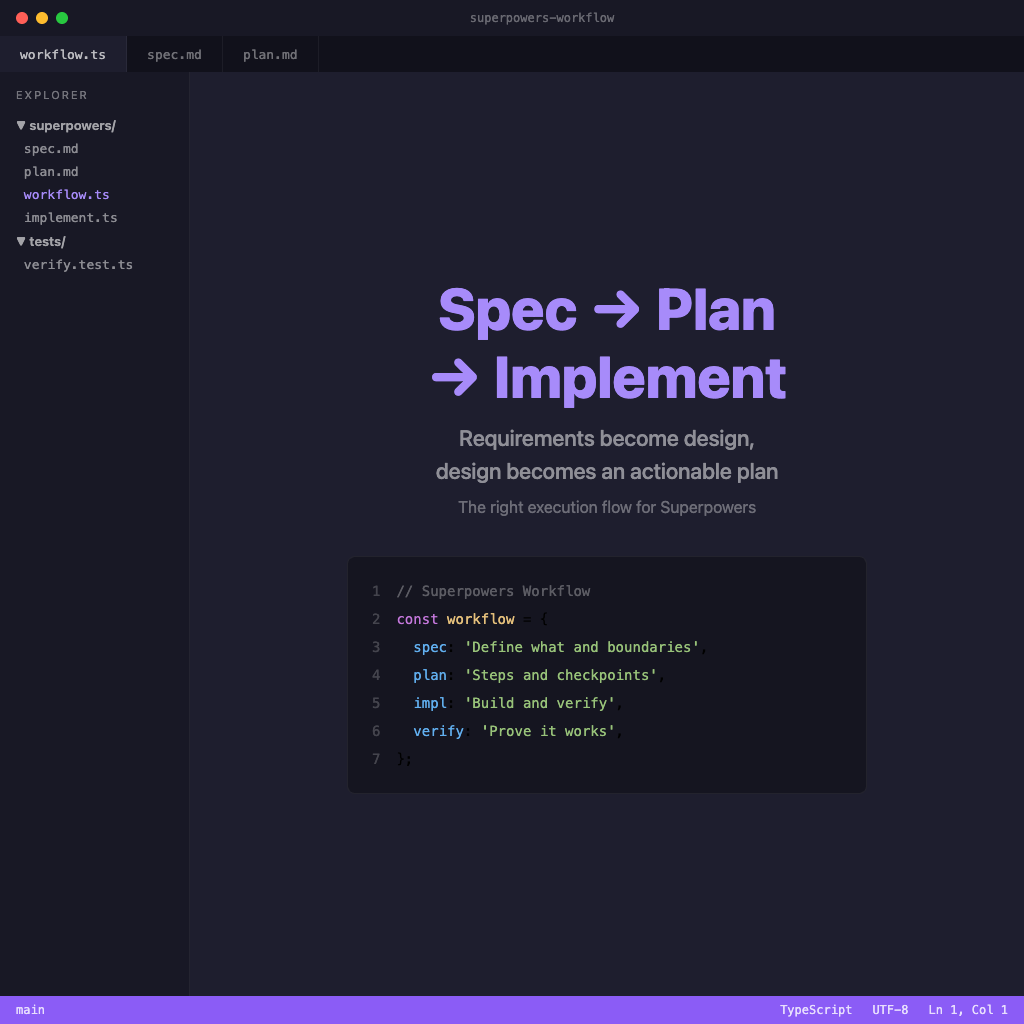
Understand the differences between spec, plan, and implementation in one read — learn how to turn requirements into design, and design into an actionable plan.

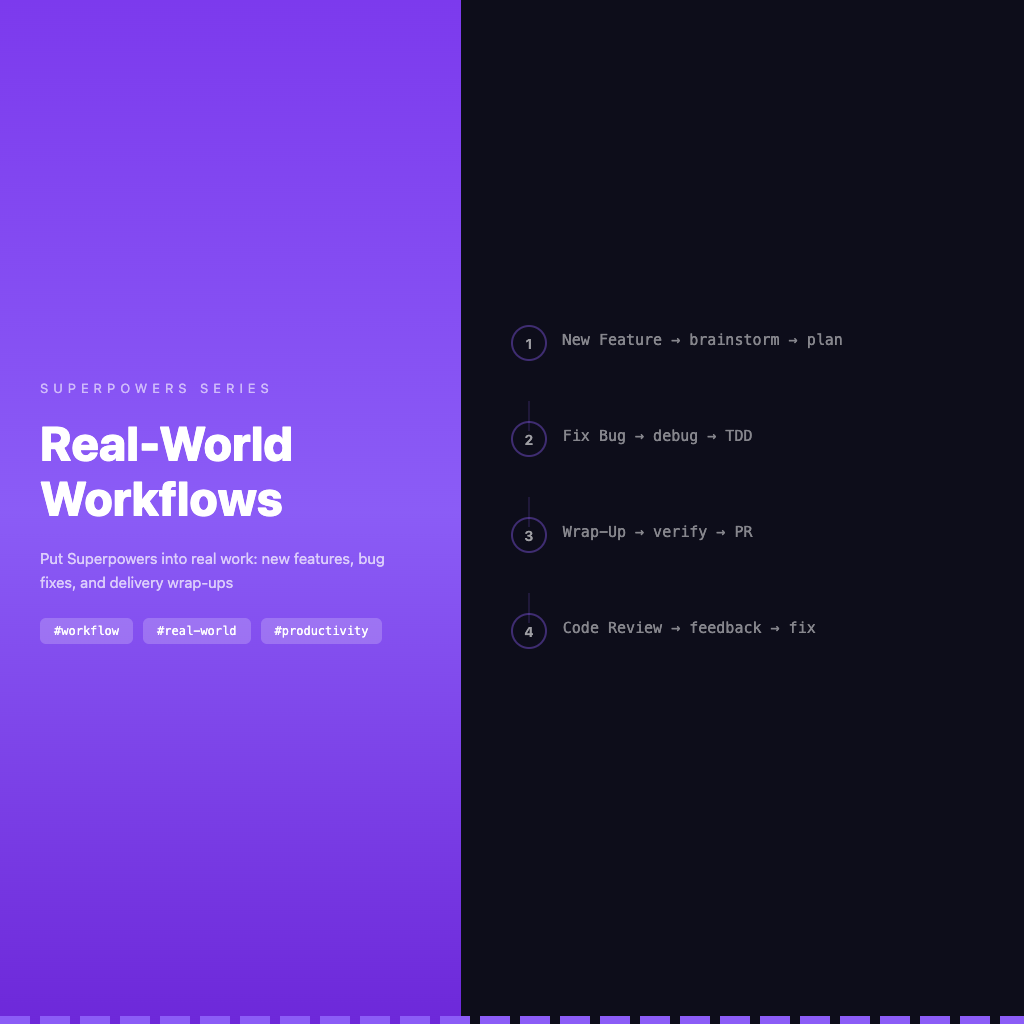
Put Superpowers back into real work scenarios — organized skill usage order for new features, bug fixes, and delivery wrap-ups.