Series: Ccmanager (5/10)
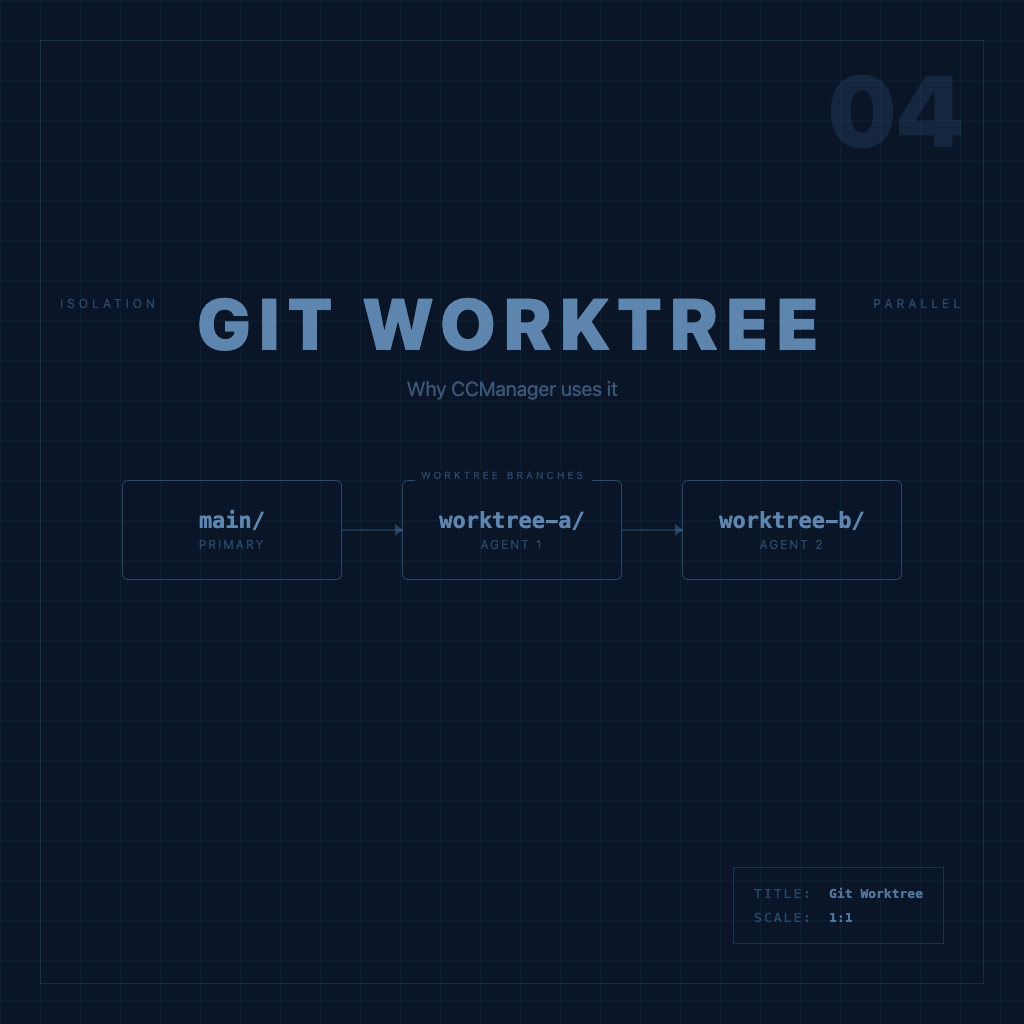
What Is Git Worktree? Why CCManager Uses It
A lot of people first encountering CCManager get tripped up by "Git Worktree" and treat it like CCManager-specific jargon — it's not. Worktree is a native Git feature. CCManager just combines it with AI Agent management.
This article explains Worktrees themselves first. The operations articles that follow will make a lot more sense.
What's Wrong with Normal Development Mode
Your typical workflow might look like this: you're on the feature-a branch making changes, you get pulled away to fix a hotfix, so you commit or stash everything, switch to main, fix the issue, then switch back — tedious, and managing a pile of stashes gets messy fast.
This problem gets much worse when you add multiple AI Agents. You want three Agents running in parallel, but they all need to operate in the same working directory. If Agent A modifies utils.ts without Agent B knowing, they're both editing the same file and it becomes anyone's guess whose changes survive.
What Git Worktree Is
One sentence: Git Worktree lets you check out multiple different branches from the same repo into multiple different directories simultaneously.
git worktree add ../my-repo-feature-a feature/a
git worktree add ../my-repo-hotfix hotfix/urgent-fix
After running this, your directory structure looks like:
~/projects/
├── my-repo/           ← original repo, on main branch
├── my-repo-feature-a/ ← Worktree, on feature/a branch
└── my-repo-hotfix/    ← Worktree, on hotfix/urgent-fix branch
Three directories, three branches, completely independent — changes in my-repo-feature-a don't affect my-repo. You can have three terminals open, each running commands in a different Worktree, with no interference between them.
Under the hood, all three share the same .git object database — this isn't copying the whole repo, so disk usage stays lean.
Why CCManager Builds on Worktrees
This is the core insight.
Each AI Agent session needs an isolated working environment — its own branch, its own working directory, its own Claude conversation history. If everything is crammed into the same directory, Agent A modifies utils.ts, Agent B doesn't know about it, both are editing the same file, and the result is chaos.
Worktrees solve this: one Worktree maps to one AI Agent session, each with its own isolated working directory, completely separated from all other Agents.
CCManager's role is to manage all sessions running across those Worktrees from a single interface — so you don't have to switch directories manually, and you always know the current state of every Agent.
Session Data Can Be Copied
There's a genuinely useful feature here: when creating a new Worktree, CCManager can copy your Claude Code session data (conversation history, project context) into it.
That way, if you've spent time catching Claude up on background context in main, you don't have to repeat yourself when you branch off to a new feature — Claude in the new Worktree already knows what you've discussed and can pick up right where you left off.
This behavior can be set as a default in Global Configuration → Configure Worktree, or chosen individually each time you create a Worktree.
A Common Misconception
Worktrees are not the same as clones.
git clone copies the entire repo to a new location, with its own .git folder — a fully independent entity from the original.
git worktree add creates a new working directory under the same .git, sharing the underlying data, just checked out to a different branch. It's lighter, and doesn't require re-configuring remotes.
With the concept clear, the next article is hands-on: Create, Switch, and Delete Worktrees: CCManager's Core Operations.
Building Worktrees from the CCManager interface, assigning Agents to them, and merging changes back to main — the full workflow is there.