Series: Superpowers (5/6)
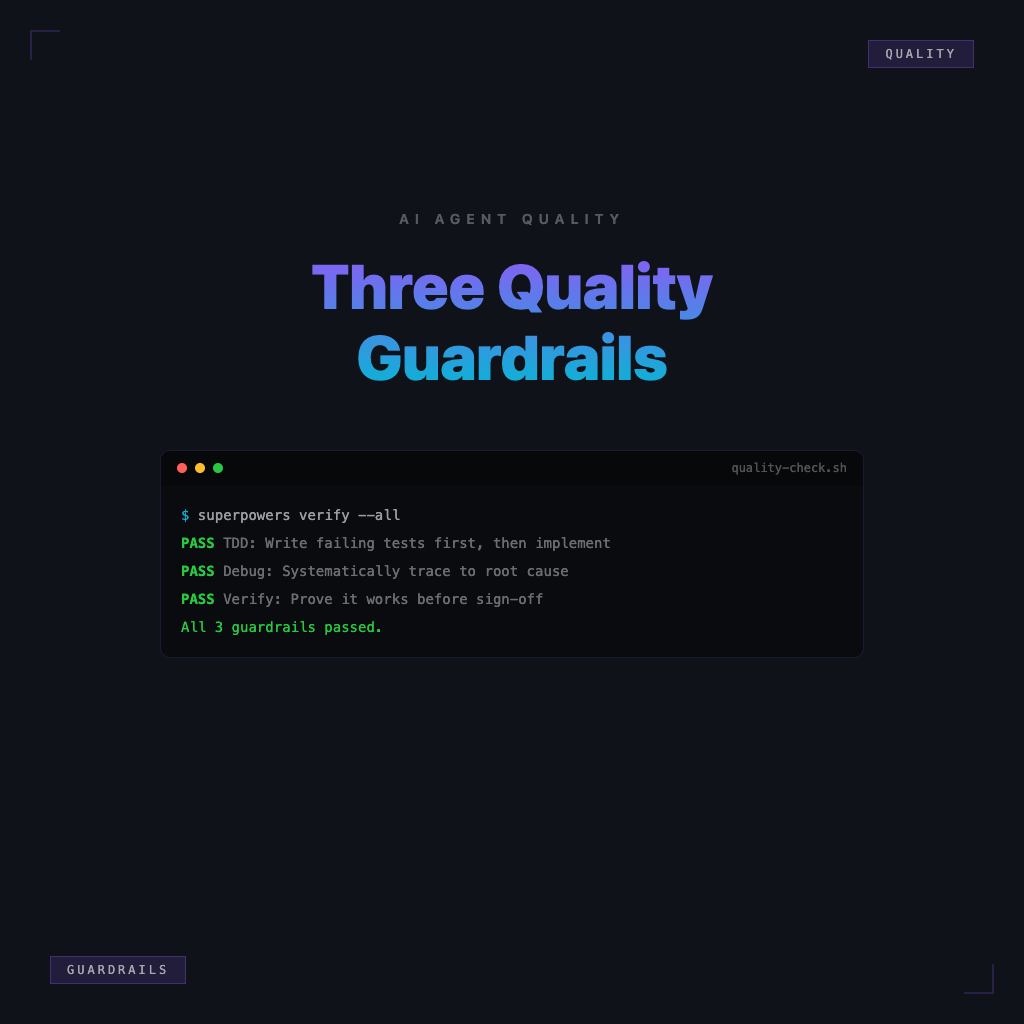
TDD, systematic-debugging, verification-before-completion: Three Quality Guardrails for AI Agents
Earlier articles covered how to sequence requirements, design, and planning. Once you actually enter the "write code" phase, the agent can write blazingly fast — fast doesn't mean correct. Superpowers has another set of process skills specifically for maintaining quality during implementation: test-driven-development, systematic-debugging, and verification-before-completion. This article explains in plain language which door each one guards, when to call them in, and the most common mindset mistakes beginners make.
Why AI Agents Need Quality Guardrails
Models are great at "looking done": files are modified, descriptions are confident — but behavior may be wrong, edge cases untested, environment never actually run. Without quality guardrails, what you get is a narrative sense of completion, not verifiable completion.
Three quality guardrails in one sentence: use tests to define "correct," use systematic debugging to trace to the root, use pre-completion verification to ban empty-handed sign-offs. They don't guarantee nothing ever breaks, but they push down the probability of "thought it was good but it wasn't." For beginners, adding workflow and verification guardrails often reduces rework without swapping models — though the model itself still affects comprehension and output quality. Guardrails improve the way you work; they don't claim to override model limitations.
What TDD Protects
TDD (as in the test-driven-development skill in this workflow) protects this: you first state clearly "what counts as correct," then let implementation satisfy it — not the other way around, where you convince yourself the implementation is probably fine.
The mindsets it's trying to prevent:
- "Write it first, add tests later": Tests end up accommodating the code, rather than the code satisfying requirements.
- "This change is tiny, no need to test": Small changes are where you step on the most landmines, because your mental assumptions haven't been challenged by anything.
- Using console.log as verification: Working once doesn't mean working for all inputs.
When to use it: when adding behavior, fixing a bug, or refactoring but worried about breaking things — whenever you have "expected inputs/outputs" that can be written as tests, TDD is worth the run. It's not just for unit test purists — it's about being forced to leave rerunnable evidence.
What systematic-debugging Prevents
systematic-debugging prevents: seeing an error and randomly changing things, changing until you accidentally get it right, or treating symptoms as the root cause. Agents (and humans) both easily enter "try this line, try that line" mode — resulting in a giant diff where nobody can say which cut actually fixed the root cause.
The rhythm it pushes roughly: reproduce first, narrow the scope, validate the hypothesis — rather than immediately refactoring the architecture or adding piles of defensive code. Common mindset mistakes:
- "Long error message — just paste it to the model and have it rewrite": May not blow up for now, but the root cause wasn't found. Next time you get different input, it blows up again.
- Mistaking luck for skill: Passes once so you assume it's fine, no minimal reproduction steps, no regression checks.
When to use it: failing tests, production oddities, non-deterministic bugs — whenever you find yourself "trying many things but can't explain why any of them work," switch to the systematic-debugging track.
What verification-before-completion Blocks
verification-before-completion is the final gate: before claiming "done," "fixed," or "passing," you must first have evidence of it actually running.
The mindsets it's trying to prevent:
- "I think it should be fine": Feeling can't be CI.
- "Users will test it themselves": That's a QA assignment discussion, not a done definition.
- Only screenshot the success path, don't run the full command: The happy path was seen; the failure path and edge cases have no owner.
When to use it: before ending any subtask, before merging, before reporting to teammates or clients. Its spirit is simple: don't write "done" without verified output. When giving instructions to an agent, you can explicitly say "please run X and paste the results" — this externalizes the guardrail.
How the Three Work Together
Threading them through one implementation line:
- TDD: First make "correct/incorrect" something that can be automatically checked (red light → green light).
- If the light stays red or there's a runtime failure: systematic-debugging steps in, traces to the root cause before changing anything — avoids patching symptoms everywhere.
- Before saying "this round is done": verification-before-completion requires you (and the agent) to confirm one more time using a command, test, or checklist — only then can you close the ticket.
They're not three mutually exclusive choices — they're different checkpoints on the same quality chain: TDD manages "definition and regression," debugging manages "don't patch blindly," verification manages "don't sign off on empty promises." Read together with the earlier plan article: plan how to do it → during implementation, use tests and debugging to protect behavior → before wrapping up, use verification to protect honesty.
Next Steps
- To go back and fill in the requirements / design / plan / implementation levels and writing-plans: What's the Difference Between spec, plan, and implementation? The Right Workflow for Superpowers.
- To lay out the full path from start to finish: Superpowers Beginner Course.
Back to Series Overview
This article covers the roles and timing for the three quality guardrails. To return to the series reading map and recommended order, open the Superpowers Beginner Course.