5 min read

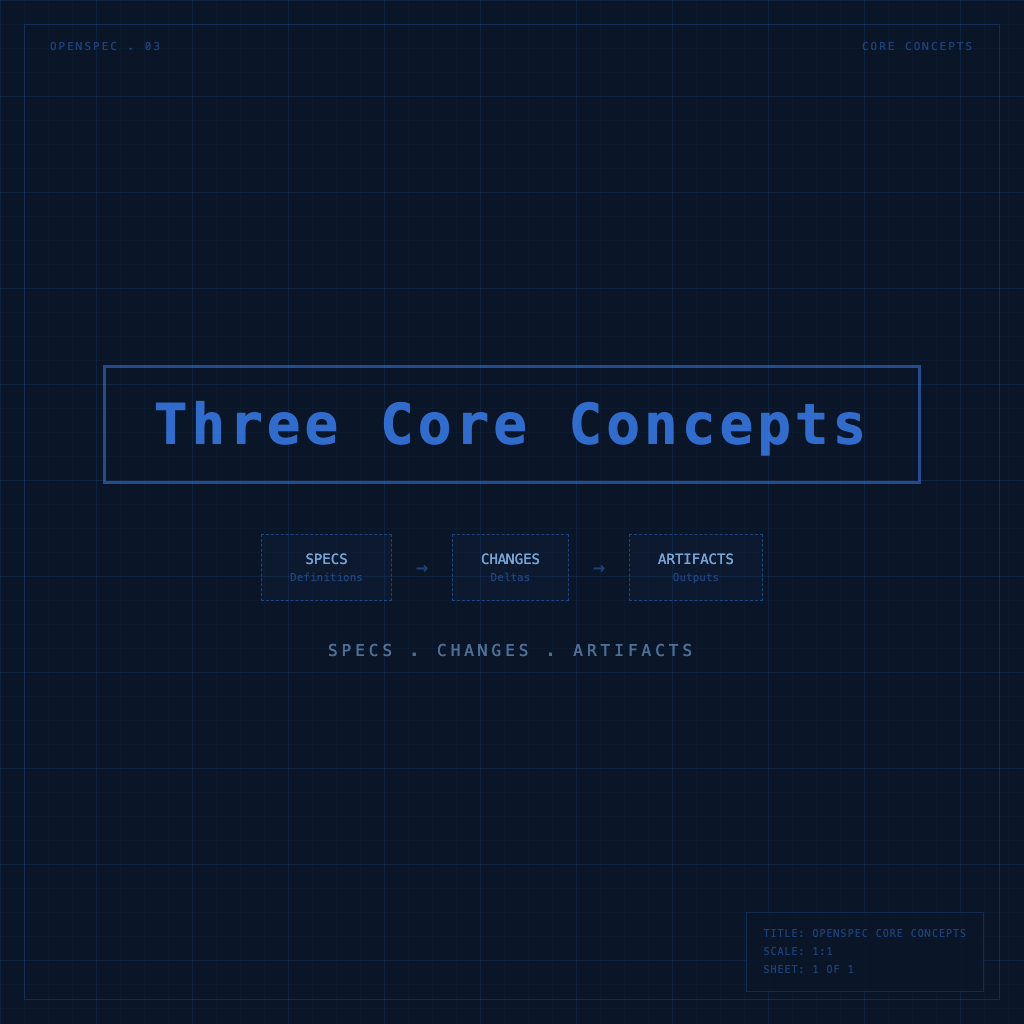
specs, changes, artifacts: OpenSpec's Three Core Concepts

Every OpenSpec command is ultimately working with these three things. Understand what specs are, what changes are, and what each artifact represents — and everything that follows will make sense.

#openspec#concepts#specs#changes#artifacts#delta-spec
4 min read

/opsx:propose → apply → archive: Running a Complete OpenSpec Workflow

From 'I have an idea' to 'implementation done, spec archived' — walk through OpenSpec's three core commands, what each one does, what you need to verify, and when to move forward.

#openspec#workflow#propose#apply#archive#slash-commands
5 min read

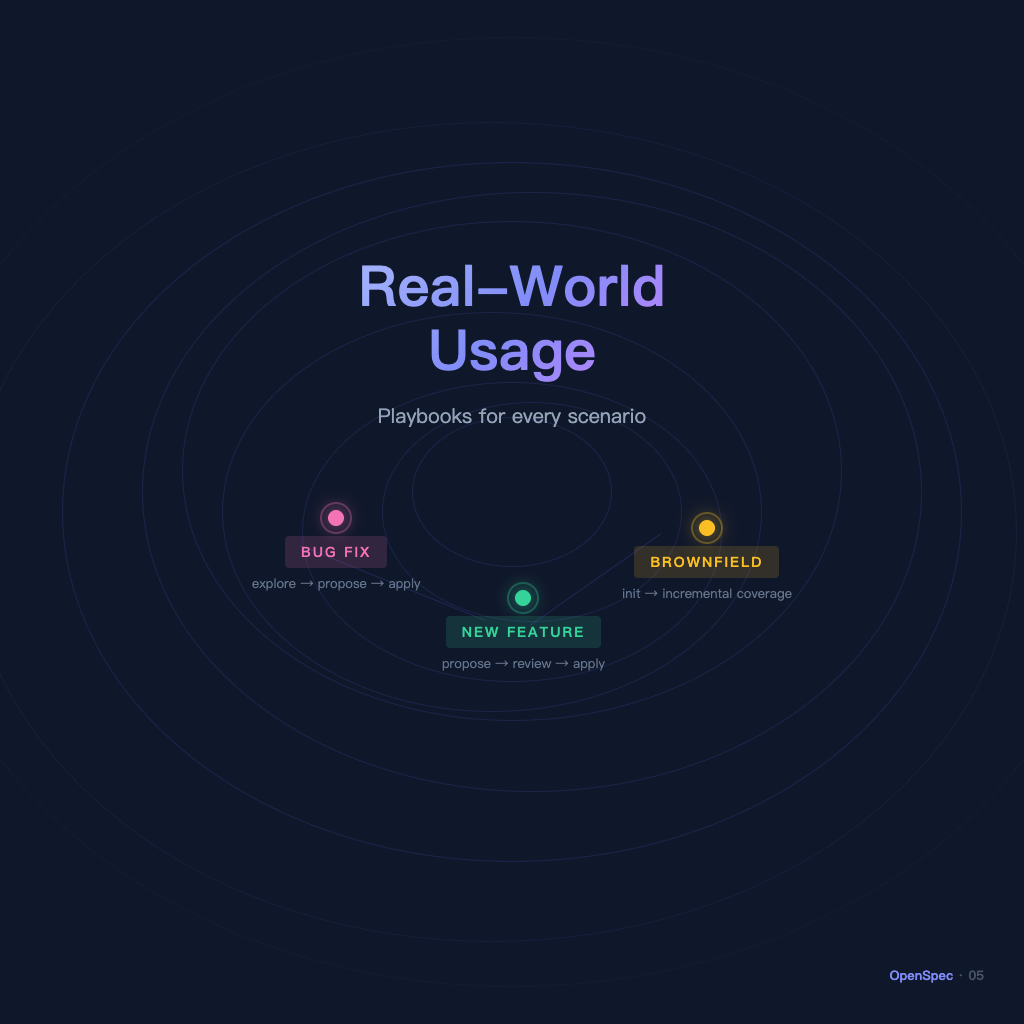
Real-World Usage: New Features, Bug Fixes, Adding OpenSpec to Existing Projects

You've learned the workflow — but how do you apply it when real work starts? This article walks through the three most common scenarios: new feature development, bug fixes, and bringing OpenSpec into a legacy project.

#openspec#workflow#real-world#bug-fix#new-feature#brownfield
4 min read

OpenSpec Beginner's Guide: 5 Articles to Master Spec Management for AI Development

For everyone who keeps going in circles when asking AI to write code — this is the OpenSpec series overview, taking you from 'why write specs at all' to 'running a complete workflow,' all in five articles.

#openspec#ai-coding#spec#workflow#cursor#claude#guide
4 min read

Why AI Development Without Specs Always Ends Up Costing More

You ask AI to add a feature, it works hard, but the result keeps drifting — not because the model isn't smart enough, but because nobody clearly stated what needed to be done. This article explains what problem OpenSpec solves.

#openspec#ai-coding#spec#workflow#why
3 min read

OpenSpec Installation and Initialization: 5 Minutes to Get Your Project Spec-Ready

Install OpenSpec, initialize your project, and understand the directory structure — this article is pure action. Once done, your codebase can start using spec-driven AI development.

#openspec#install#setup#init#cli
4 min read

CMUX Beginner's Guide: Manage AI Agents Without the Terminal Chaos

A series overview for developers new to CMUX — quickly understand what problem it solves, how to learn it, and the recommended reading order.

#cmux#terminal#ai-agent#ghostty#workflow#macos#guide
3 min read

What Is CMUX? Why the Multi-Agent Era Needs It

CMUX is a lightweight native macOS terminal built on Ghostty, designed specifically for managing multiple AI agents. This article explains what problem it solves, how it differs from tmux, and who it's for.

#cmux#terminal#ai-agent#ghostty#macos
3 min read

Installing CMUX and Setting Up the CLI: Up and Running in 10 Minutes

Complete CMUX installation guide: choose between DMG or Homebrew, set up the CLI symlink, verify the installation, and understand the auto-update mechanism.

#cmux#installation#homebrew#cli#macos#setup
4 min read

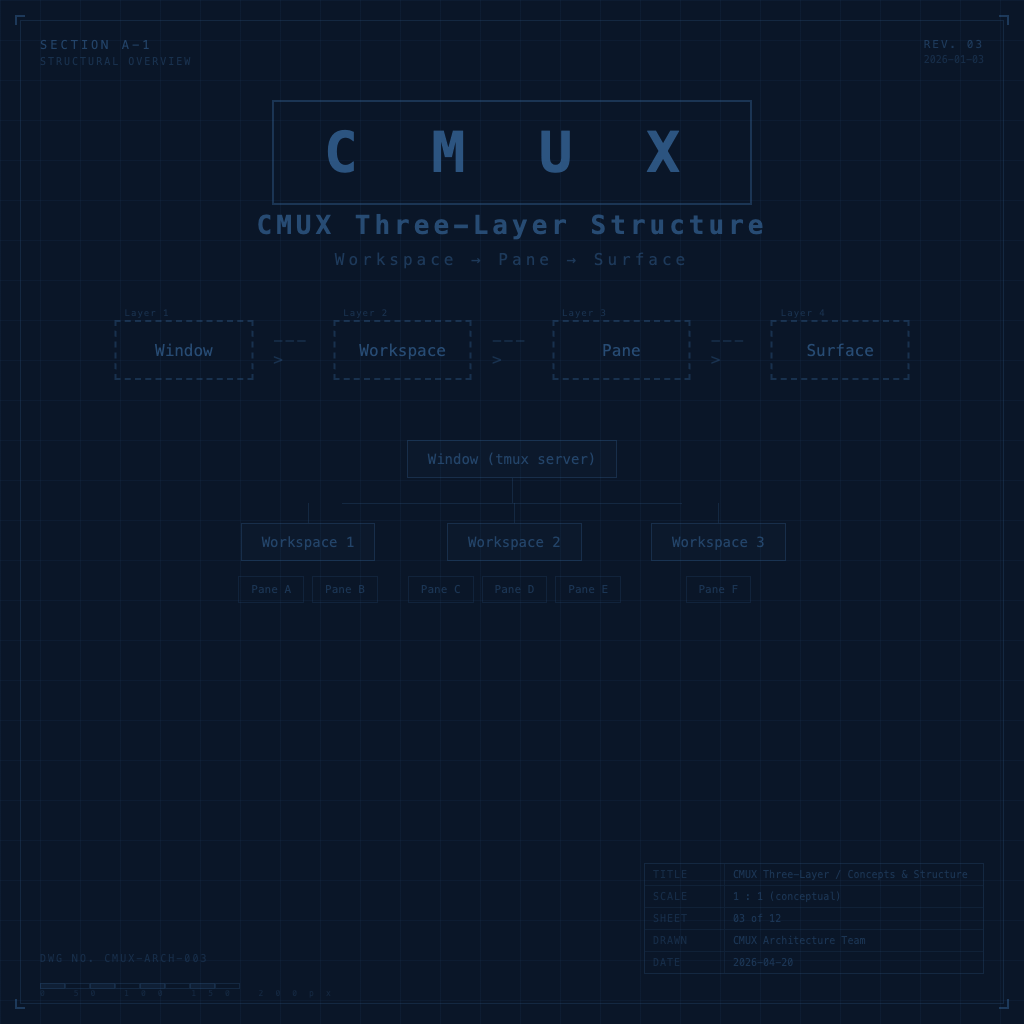
Workspaces, Panes, and Surfaces: CMUX's Three-Layer Structure Explained

CMUX is built around three core layers: Workspace, Pane, and Surface. Understanding these three layers is what lets you allocate AI agents, switch contexts, and make sense of CMUX's visual interface.

#cmux#workspace#pane#surface#concepts#structure