Series: Openspec (4/6)
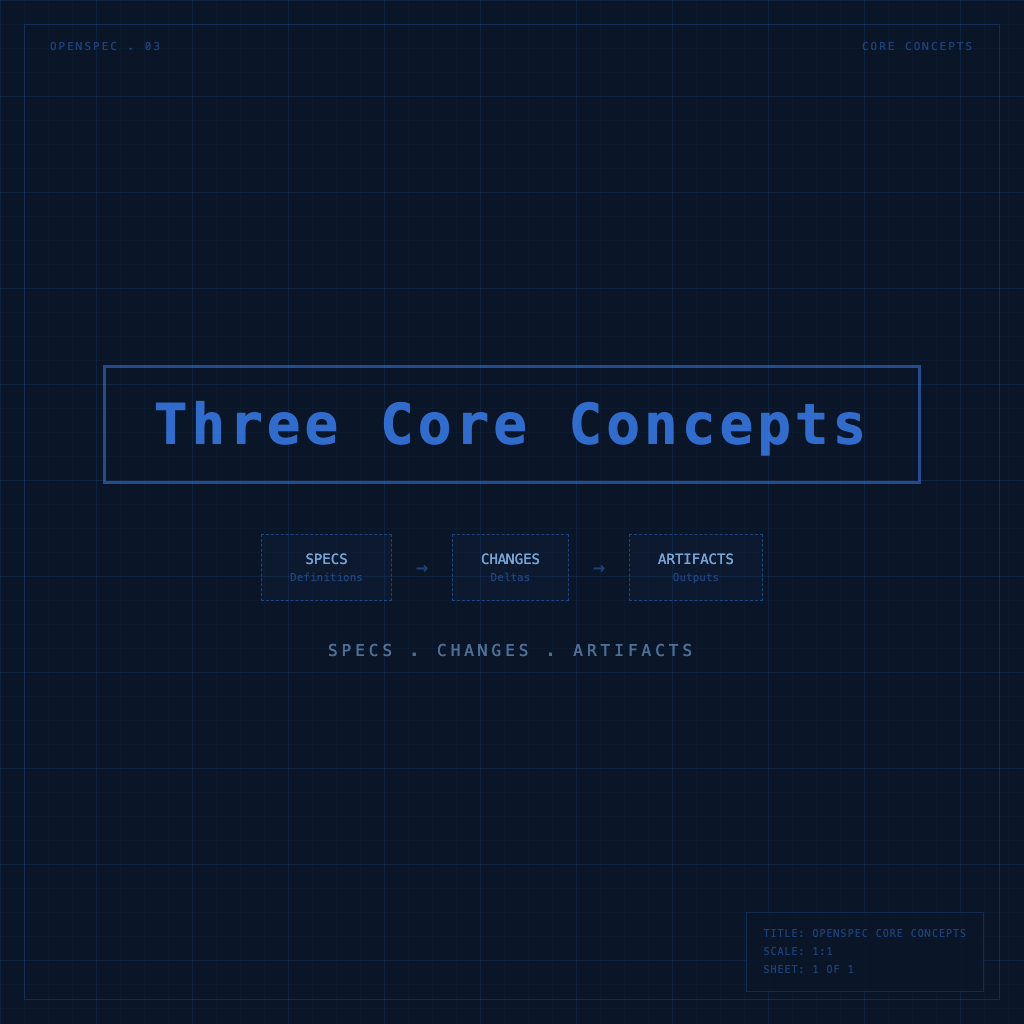
specs, changes, artifacts: OpenSpec's Three Core Concepts
You can use OpenSpec commands without understanding the underlying model and things will mostly work — but the moment you hit "wait, what is this command actually doing?" you'll have to come back here anyway. Better to get the three core concepts straight now, so every step from here makes more sense.
Specs: What Your System Looks Like Right Now
openspec/specs/ is the source of truth — it describes how your system currently works.
Not what you want in the future. What exists now.
Organized into domain-based folders:
openspec/specs/
├── auth/
│   └── spec.md       # How login, auth, and sessions work
├── payments/
│   └── spec.md       # Payment flow
└── ui/
    └── spec.md       # UI behavior and theming
Inside each spec.md, it looks like this:
# Auth Specification

## Purpose
Authentication and session management for the application.

## Requirements

### Requirement: User Authentication
The system SHALL issue a JWT token upon successful login.

#### Scenario: Valid credentials
- GIVEN a user enters correct credentials
- WHEN the login form is submitted
- THEN a JWT token is returned
- AND the user is redirected to the dashboard

#### Scenario: Invalid credentials
- GIVEN a user enters incorrect credentials
- WHEN the login form is submitted
- THEN an error message is shown
- AND no token is issued
A few key points:
Requirements describe "what the system should do," not "how to implement it" — using RFC 2119 language:
- SHALL / MUST — Absolute requirement, no exceptions
- SHOULD — Recommended, but exceptions are allowed
- MAY — Optional
Scenarios describe "concrete examples" using a Given/When/Then structure. Each scenario should be verifiable — you could write an automated test from it.
What specs don't include: class names, which libraries to use, how the database is structured — that's design.md's job. Specs only describe "behavior visible to users or downstream systems."
Changes: Each Modification Gets Its Own Folder
openspec/changes/ holds in-progress modifications — every feature you want to add or change lives here in its own folder until it's complete and archived.
openspec/changes/
└── add-dark-mode/
    ├── proposal.md
    ├── design.md
    ├── tasks.md
    └── specs/
        └── ui/
            └── spec.md   ← delta spec for this change
Multiple changes can be in progress simultaneously without interference — because each lives in its own folder, they don't conflict.
Artifacts: Four Documents Inside Each Change
A change folder typically contains four artifacts, each serving a distinct purpose:
| Artifact | Answers the question |
|---|---|
proposal.md |
Why are we doing this? What's the scope? |
specs/ |
Which behaviors are being added, modified, or removed? |
design.md |
How do we do it technically? What are the architecture decisions? |
tasks.md |
What specifically needs to be done? (Checklist) |
These four artifacts have dependencies on each other, but you're not forced to follow a strict order:
proposal → specs → design → tasks → implementation
   ↑          ↑        ↑                  │
   └──────────┴────────┴──────────────────┘
        Problems discovered during implementation
        can always be addressed by updating artifacts
proposal.md answers "why" — the motivation for the change, its scope, and the general direction. Doesn't need to be long; it just needs to be clear.
specs/ (delta spec) says "which behaviors are changing" — using three sections: ADDED, MODIFIED, and REMOVED:
# Delta for UI

## ADDED Requirements

### Requirement: Theme Selection
The system SHALL allow users to switch between light and dark themes.

#### Scenario: Manual toggle
- GIVEN the user is on any page
- WHEN the theme toggle button is clicked
- THEN the theme switches immediately
- AND the preference is saved so it persists after page reload

## MODIFIED Requirements
(if applicable)

## REMOVED Requirements
(if applicable)
On archive, ADDED requirements are merged into the main spec, MODIFIED requirements overwrite the old version, and REMOVED requirements are deleted.
design.md answers "how" — technical approach, architecture decisions, library choices, data flow design. This is where implementation details belong; the spec doesn't need to touch them.
tasks.md is the checklist — when AI runs /opsx:apply, it executes this list item by item:
# Tasks

## 1. Theme Infrastructure
- [ ] 1.1 Create ThemeContext to manage light/dark state
- [ ] 1.2 Add custom properties to CSS
- [ ] 1.3 Implement localStorage preference persistence

## 2. UI Components
- [ ] 2.1 Build ThemeToggle component
- [ ] 2.2 Add settings page
The Relationship Between All Three, in One Sentence
specs is the current state, changes is what's in progress, and artifacts are the four documents inside each change that together explain "what to build, how to build it, and the concrete tasks."
After archiving, the delta spec from the change merges into specs, the change folder moves to the archive, and the cycle continues.
With these three concepts clear, the next article walks you through /opsx:propose → apply → archive — the core workflow. It explains what each command does, what you need to verify, and when to move forward.
Next: /opsx:propose → apply → archive: Running a Complete OpenSpec Workflow