Series: Hermesagent (5/6)
Hermes Agent Automation: Cron Scheduling, Parallel Sub-Agents, and Code Execution
The usage pattern for most AI tools is: you ask, it answers, and that's it.
This pattern has a hard constraint: you have to be present. You don't ask, nothing happens. Wanting AI to do things when you're not around, or run several parallel task lines simultaneously, usually requires a complex workaround.
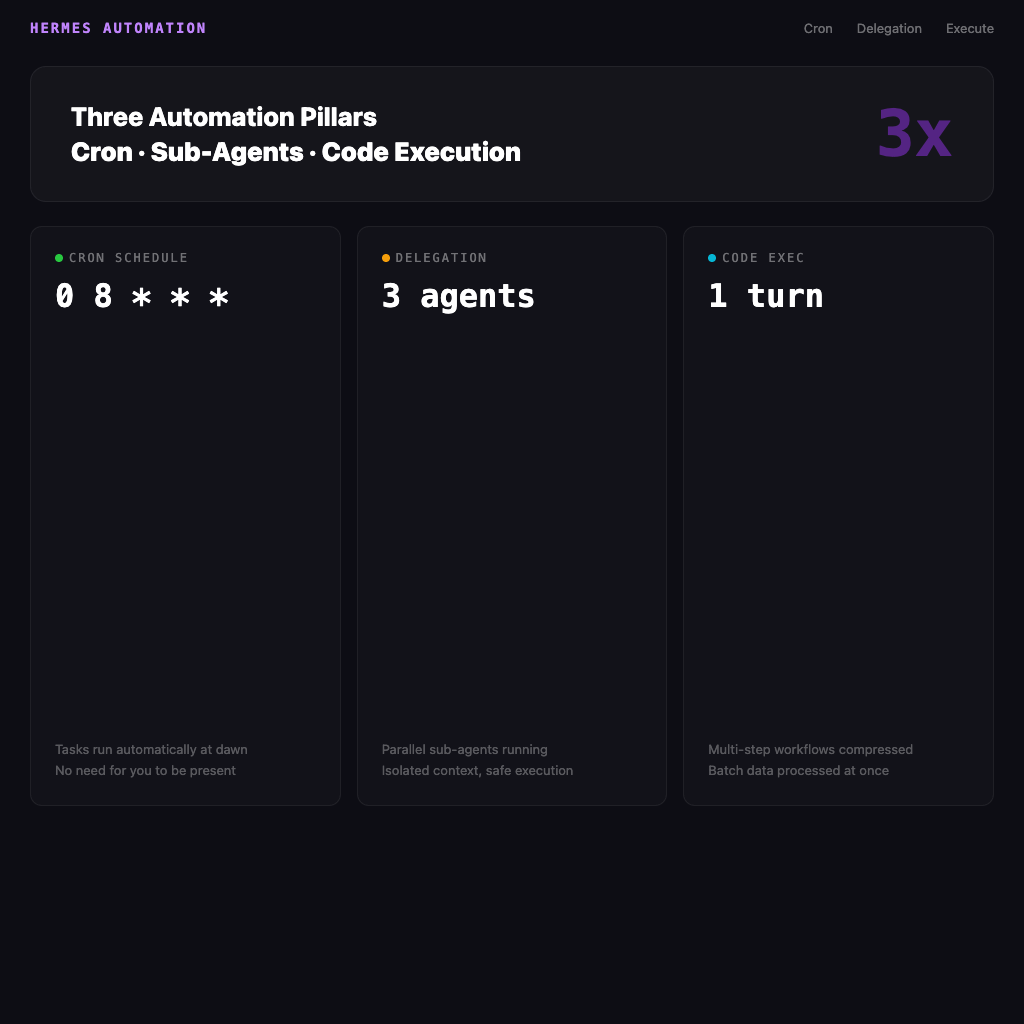
Hermes Agent directly breaks this constraint. This article covers three core automation capabilities: Cron scheduling, parallel sub-agents (Delegation), and Code Execution.
Cron Scheduling: Let Tasks Run Themselves at 3am
# Generate an AI tech news summary every morning at 8am
hermes cron add "0 8 * * *" "Search for the latest AI and ML news from past 24 hours. Summarize top 3 stories with links. Format as markdown with section headers."

# Run only on weekdays
hermes cron add "0 8 * * 1-5" "Morning briefing for AI news..."
Set it and forget it. Every morning at 8am from that point on, Hermes wakes up and executes the task — no presence required, no open session required, nothing to type.
Cron Tasks Can Carry Skills
There's one critical integration here: Cron tasks can be attached to a skill for execution.
# Every Monday, use the arxiv skill to compile last week's AI papers
hermes cron add "0 9 * * 1" "/arxiv find top papers from last week on transformer architecture"

# Every night, auto-run k8s health checks
hermes cron add "0 22 * * *" "/k8s check all deployments health status in production"
This elevates Cron from "schedule a prompt to run" to "schedule a full workflow to run" — the skill's step logic, known pitfalls, and verification methods all come along for the ride.
Where Results Get Delivered
Cron task output can be directed to a specified delivery platform:
# Send results to Telegram
hermes cron add "0 8 * * *" "Morning news briefing" --platform telegram

# Save results to a specified file
hermes cron add "0 22 * * *" "Daily health check" --output ~/logs/health-$(date +%Y%m%d).md
Task management:
hermes cron list        # View all scheduled tasks
hermes cron pause 3     # Pause task #3
hermes cron resume 3    # Resume
hermes cron run 3       # Manually trigger once right now
hermes cron remove 3    # Delete
Delegation: Assign One Job to Three Sub-Agents Simultaneously
The delegate_task tool lets the agent spin up up to 3 sub-agents, each running an independent task — with its own context, its own toolset, its own terminal session.
The most direct use case: needing to research multiple topics in parallel.
hermes chat -q "Create a morning briefing by delegating to 3 sub-agents in parallel:
1. Delegate: Top 2 AI/ML news stories from past 24 hours with links
2. Delegate: Top 2 cryptocurrency news from past 24 hours with links
3. Delegate: Top 2 space exploration news from past 24 hours with links
Collect all results and combine into one briefing."
Three sub-agents search simultaneously, the main agent waits for all to finish then aggregates — total time is "the slowest sub-agent's time," not "the sum of all three."
Sub-Agent Characteristics
- Isolated context: Sub-agents don't know the content of the main conversation, only the task they've been assigned
- Constrained toolset: You can specify which tools a sub-agent is allowed to use (e.g. web search only, no terminal)
- Independent terminal session: Sub-agent commands don't affect the main agent's working directory
This isolation design matters — you can confidently let sub-agents run operations with side effects (like test-deploying to staging) without worrying they'll mess up the main environment.
When to Use Delegation
Good for:
- Independent parallel research tasks (searching three different topics simultaneously)
- Isolated environment operations (one tests approach A, another tests approach B)
- Clearly bounded sub-tasks (let the sub-agent write the frontend, you handle the backend)
Not good for:
- Tasks with strong sequential dependencies (A must complete before B can start)
- Tasks requiring heavy shared state (communication between sub-agents is expensive)
- Simple sequential tasks (Delegation would actually be slower)
Code Execution: Compress Multi-Step Workflows into a Single LLM Turn
This is the most technical piece of Hermes's automation capabilities, but also where the efficiency gains are most significant.
Normal tool calls work like this: every tool call is one LLM turn — the agent calls tool A, waits for results, reads results, decides next step, calls tool B, waits for results, continues.
execute_code lets the agent write a Python script that calls multiple Hermes tools in sequence — the entire multi-step workflow compressed into a single LLM turn.
# Agent generates and executes this code
results = []
for topic in ["AI", "crypto", "space"]:
    result = web_search(f"{topic} news last 24 hours")
    results.append(result)

# Aggregate and format
briefing = format_as_markdown(results)
write_file("~/briefing.md", briefing)
From the LLM's perspective, this is one tool call — but what actually executes is three searches plus a file write.
Use Cases
- Batch data processing: Process a hundred URLs, files, or data points in one shot
- Conditional automation: "If search results have fewer than 3 articles, try different keywords and search again"
- Multi-tool chaining: Search → analyze → format → save, all in one go
How the Three Capabilities Work Together
These three tools are designed to complement each other, not substitute for each other:
| Capability | Solves What Problem | Best For |
|---|---|---|
| Cron | Tasks run when you're not there | Daily briefings, health monitoring, periodic cleanup |
| Delegation | Run multiple parallel task lines simultaneously | Parallel research, A/B deployment testing |
| Code Execution | Efficiency compression for multi-step workflows | Batch processing, complex data pipelines |
A typical combination:
Every morning at 8am (Cron) → spin up three sub-agents (Delegation) → each searches a separate topic (Code Execution for batch processing) → main agent aggregates → sends to Telegram.
Set it up once, auto-generates every day after that.
The Gap From Other Tools
Most AI tools don't have native integration of these three things — to achieve similar effects, you'd typically stitch together AI API + cron jobs + your own Python glue code, with non-trivial maintenance costs.
Hermes makes all of them native features, and integrates them with the Skills system and memory system — scheduled tasks can carry skills, sub-agents can use background knowledge injected by the main agent's memory, and Code Execution can call any Hermes tool.
That level of integration is where automation capabilities actually deliver real value.