Series: Gsd (4/7)
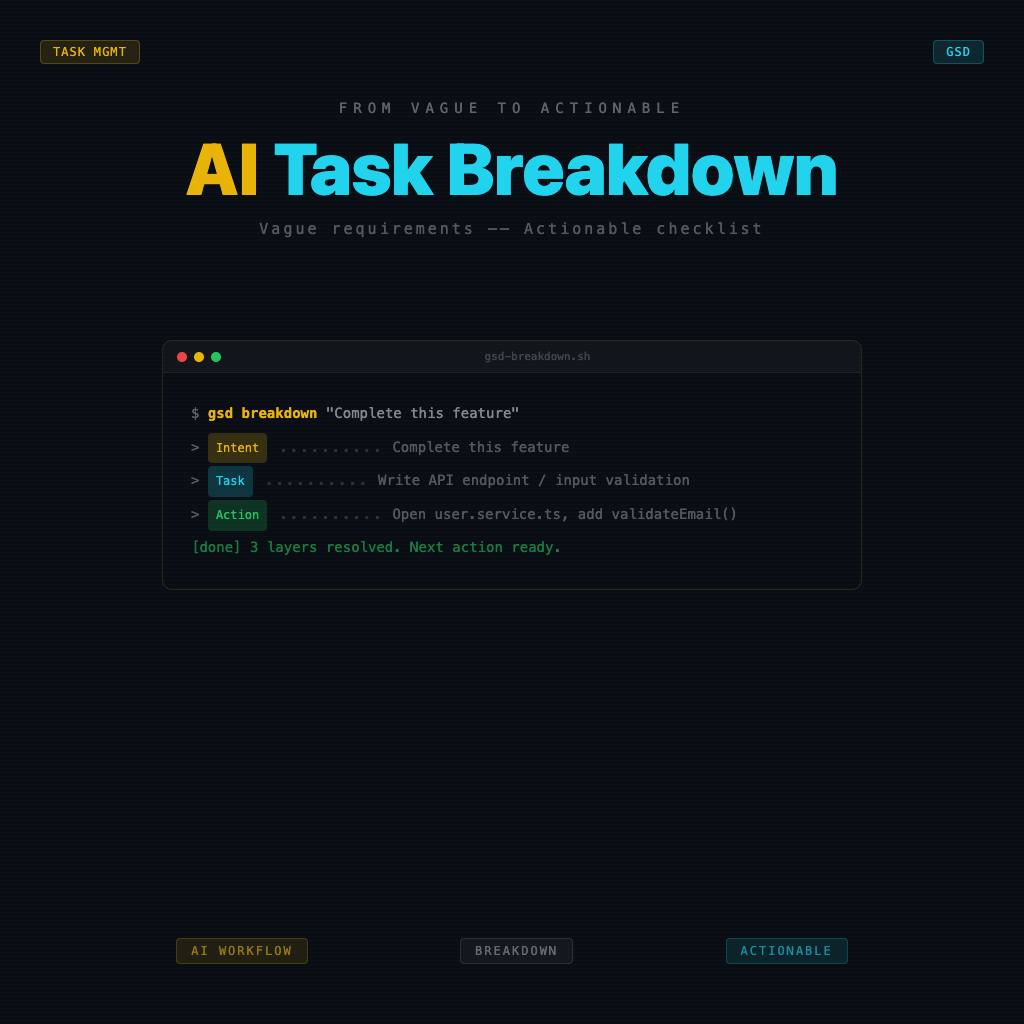
Breaking Down Tasks with AI: The Complete Process from Vague Requirements to an Actionable List
"I want to complete this feature."
"I need to finish writing this article."
"I have to prepare this proposal."
These three sentences look like tasks, but they're all intentions. An intention is a place you want to go; a task is the next step under your feet. Without a next step, you can't get anywhere — no matter how many AI tools are sitting next to you.
Vagueness is the most real killer of completion rates.
Why Longer Lists Lead to Lower Completion Rates
Many people's lists got longer after adopting AI — because AI is great at listing things. You say "I want to write an SEO article," AI can instantly list fifteen steps. You save those fifteen steps into Notion, close the page, and then it never gets touched again.
The problem isn't too few steps — it's that every step is still too vague.
"Research keywords" is not an actionable step.
"Use Ahrefs to find keywords with monthly search volume above 500 and difficulty below 30, find 5, record them in this spreadsheet" — that is.
Actionable tasks have one characteristic: after reading the step, you don't need to think "okay, how do I start this" — you just know what to do.
The Four Levels of Task Breakdown
Break task decomposition into four levels, each corresponding to a different degree of clarity:
| Level | Description | Example |
|---|---|---|
| Intention Level | You know where you want to go, but not how to get there | "Get this feature done well" |
| Milestone Level | You know the major phases, but the steps within each are still fuzzy | "Design → Develop → Test → Deploy" |
| Task Level | Concrete things to do, but when it's "done" is unclear | "Write API endpoint, add tests, write docs" |
| Action Level | Directly executable, completion condition is clear | "Open user.service.ts, add a validateEmail function at line 42 that returns a boolean, add one unit test" |
GSD requires: before starting work each time, push the task to at least the "Task Level," ideally the "Action Level." Delegating this to AI is one of the most effective applications of the GSD toolkit.
The Actual Process for Breaking Down Tasks with AI
Step 1: State Intention + Context
Don't just tell AI "help me break down this task" — give the background first.
Task: [what you're doing]
Context: [why you're doing it, who it's for, what the constraints are]
Completion criteria: [what level of done counts as done]
Time available today: [X hours]
Context is the key to getting useful output from AI. Without context, it can only give you generic lists; with context, its breakdown can map to your actual situation.
Step 2: Ask AI to Push to the Action Level
Tell AI: "Please break down each of the steps above to this degree: after reading this step, I don't need to think 'how should I start this' — I just know what to do."
This instruction is important — it tells AI you want "Action Level," not "Milestone Level" lists.
Step 3: Pick Today's List
Not everything broken down needs to be done today. Ask AI to:
- Sort tasks in "must be done before the next thing can continue" order
- Mark which tasks can proceed independently and which have dependencies
- Based on your available time today, select "the 3 things to do today"
3 things is a meaningful upper limit — not that you should only do 3 things, but "the 3 things that must be completed today" is a clear commitment. More than 3 and it starts getting fuzzy.
Step 4: Add a Completion Condition to Each Task
Once today's list is confirmed, add a one-sentence completion condition to each task:
- ✅ "Write the sendEmail function, successfully send a test email to my inbox"
- ✅ "Fill in the H2s for the article outline, each H2 has a one-sentence summary"
- ✅ "Complete the problem description section of the proposal so a colleague can say what the problem is after reading it"
With a completion condition, you know when to check the box. Tasks without completion conditions make you feel perpetually "not done yet."
A Real Breakdown Example
Original intention: "I need to fix up the landing page's hero section."
Prompt to AI:
Task: Improve the product landing page's hero section
Context: The current hero section headline is too technical; readers are non-technical small business owners
Completion criteria: Someone viewing it should know within 5 seconds what problem this product helps them solve
Time today: 2 hours
Please break down the task to the degree: "after reading this step, I don't need to think about how to start — I just know what to do." Select the 3 most important things to do within 2 hours today.
After AI breakdown (today's 3 things):
-
Write 5 headline drafts from different angles, each limited to 10 words, focused on "the one problem small business owners most commonly have" (completion condition: all 5 drafts written, 1 best one selected)
-
Replace the existing headline with the selected one, and rewrite the subtitle to catch the problem the headline mentions and point toward a solution (completion condition: looks good layout-wise locally, content logic flows)
-
Have a friend unfamiliar with the product look at it for 5 seconds, ask them "who does this thing help and what problem does it solve" (completion condition: they can roughly get it right)
These three tasks, combined under two hours, and when done you'll know whether the new hero section is headed in the right direction. That's what "today's task" looks like — not "fix up the hero section."
Frequently Asked Questions
"The breakdown AI gives is too granular — feels like a waste of time."
Adjust the instruction: "Maximum 5 steps, each step must be something completable within 30 minutes today."
"The steps AI gives are still vague."
Push back: "Step 1 — after reading this step, I need to think before I know how to start — break it down finer." AI usually needs a bit of follow-up to truly reach the Action Level.
"The task is too large, there's no way to finish it all today."
This is normal — GSD doesn't require finishing everything today. It requires that what you do today is actual progress, with a clear visible difference between before and after.
Next Step
With a clear task list, the next question is: how do you design an execution rhythm that's easy to start, doesn't drift off course, and lets you close things out properly?
That's what The Execution Loop: Designing Rhythm to Keep Your AI Agent on Track covers.
Back to Series Overview
This is the third stop in the GSD series, covering AI task breakdown and actionable lists. For the full reading path and other article topics, return to the GSD Beginner Course.