Series: Deepagent (3/10)
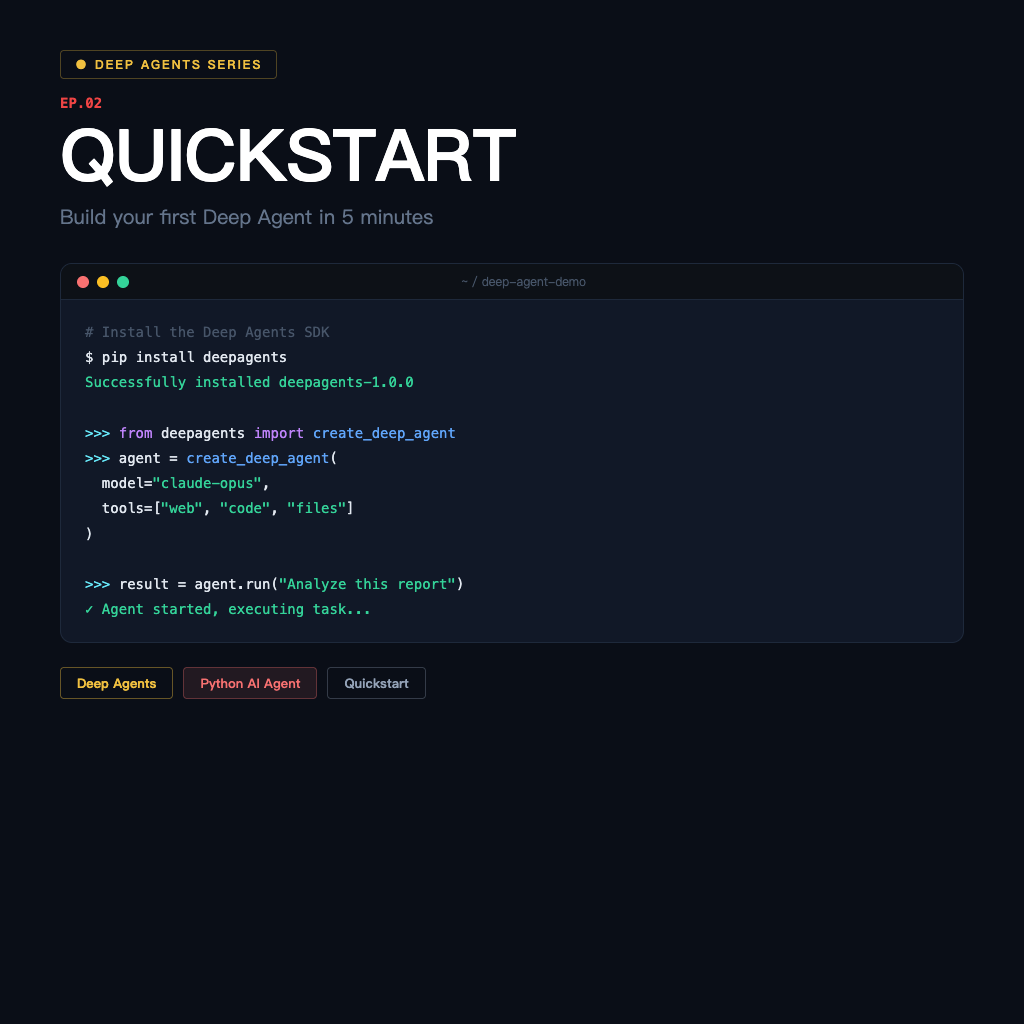
Quickstart: Build Your First Deep Agent in 5 Minutes
With the design logic understood, the next step is getting it running.
This article skips the fluff and takes you straight from installation to your first working agent. The whole process takes no more than five minutes — assuming you already have a Python environment and at least one working LLM API key.
Installation
pip install -qU deepagentsIf you're using OpenAI as the LLM backend, set your API key:
export OPENAI_API_KEY="your-api-key-here"Other backends (Anthropic, Ollama, other LangChain-supported LLMs) work too — the setup is the same, just swap in the corresponding environment variable.
The Most Basic Agent
Here's the simplest version to get it running:
from deepagents import create_deep_agent

def get_weather(city: str) -> str:
    """Get the weather information for a specified city."""
    return f"{city} is sunny today with a temperature of 25°C."

agent = create_deep_agent(
    tools=[get_weather],
    system_prompt="You are a helpful assistant.",
)

result = agent.invoke({
    "messages": [{"role": "user", "content": "What's the weather like in New York today?"}]
})

print(result["messages"][-1].content)
create_deep_agent is the entry point — it needs just two parameters at minimum: your list of tools (tools) and the system prompt (system_prompt). The agent automatically decides when to call which tool; you don't need to design the calling logic yourself.
Adding Multiple Tools
Real agents usually need multiple tools working together:
from deepagents import create_deep_agent

def search_web(query: str) -> str:
    """Search the web for information."""
    return f"Search results for '{query}': found 3 relevant results."

def read_document(filename: str) -> str:
    """Read the contents of a specified document."""
    return f"Contents of {filename}: This is an important technical document..."

def save_summary(content: str, output_file: str) -> str:
    """Save a summary to a file."""
    return f"Summary saved to {output_file}"

agent = create_deep_agent(
    tools=[search_web, read_document, save_summary],
    system_prompt="You are a research assistant, skilled at gathering information, reading documents, and organizing summaries.",
)

result = agent.invoke({
    "messages": [
        {"role": "user", "content": "Research the latest developments in Deep Learning and save a summary to summary.txt"}
    ]
})
Notice this task has three steps — search, organize, save. Deep Agents' planning capability really shines in these multi-step scenarios. The agent decides the execution order itself; you don't need to specify it.
Observing the Agent's Thinking Process
If you want to see the agent's full tool-calling process rather than just the final result, enable streaming:
for chunk in agent.stream({
    "messages": [{"role": "user", "content": "What's the weather like in New York today?"}]
}):
    print(chunk)
Each chunk is one step's output — you can see which tool the agent decided to call, what the tool returned, and how the agent decided on the next step.
Connect LangSmith for Tracing (Optional)
If you want a visual tracing interface — how long each step took, detailed inputs and outputs for tool calls — just set two environment variables:
export LANGSMITH_TRACING=true
export LANGSMITH_API_KEY="your-langsmith-key"
After that, every invoke or stream automatically sends a trace to the LangSmith dashboard. Highly recommended to keep this enabled during debugging — everything the agent does becomes immediately visible.
Common First-Time Pitfalls
Don't skip the tool docstring: The agent uses a tool's docstring to decide when to call it. The more clearly you write it, the more accurately the agent will make decisions. An empty or unclear docstring will cause the agent to pick the wrong tool or not call it at all.
Get the system_prompt right: Not too short, not too long. The key is clearly describing the agent's role and main tasks — something like "You are a research assistant skilled at X, Y, Z" is far more useful than "You are an AI assistant."
invoke input format: Use the messages key, with a list as the value, where each message has role and content. This format is fixed — getting it wrong will give you a direct error, not some weird output.
What You Have Now
An agent that can:
- Call custom tools
- Stream intermediate steps
- Be traced through LangSmith
But this agent is still missing one capability — planning. Hand it a complex task and it will start doing things, but it won't break the task down and sequence it first. That's what the next article addresses.
Previous: What Is Deep Agents SDK? The Design Logic Behind the Agent Framework Next: Task Planning and write_todos: Make the Agent Think Before It Acts